

While margins and paddings can be applied to elements using the Properties Control Column, the Indent Panel can be accessed for any element by clicking on the Indent icon on the element’s label. If you can’t see the Indent icon, click on the three dots at the far left of the label to expand it.

The indent panel contains margin and padding controls for the element from which it was launched. Values for these properties can be defined as %, px, vw or em. Click here to find out more about these units of measurement.
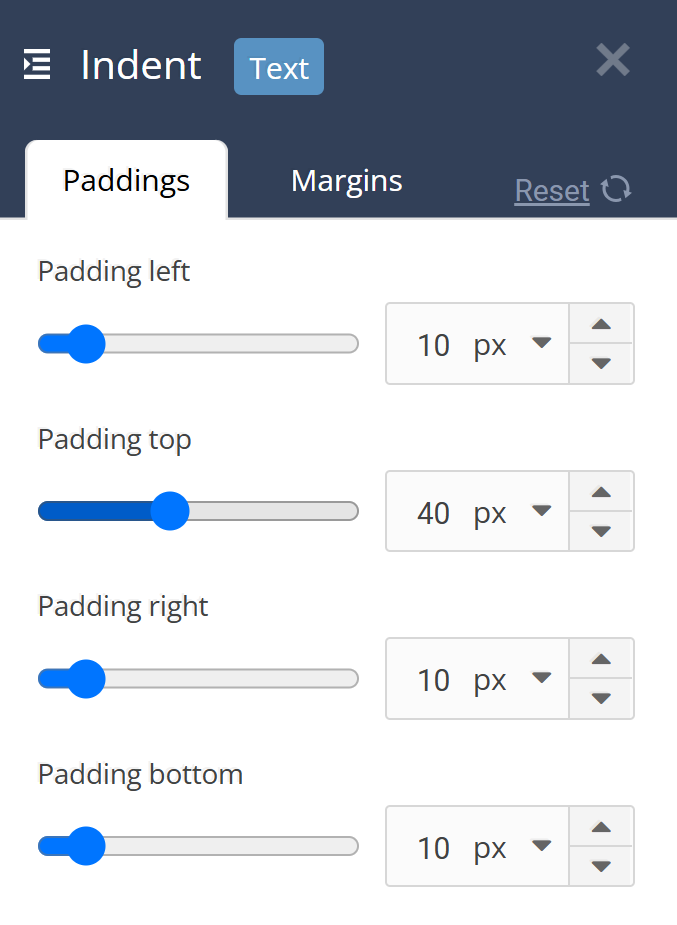
An element’s margins and paddings can also be reset to their defaults using this panel.
Good spacing can create a consistent natural reading experience. Too little spacing can make a page feel crowded, while too much spacing can interrupt the flow of reading.