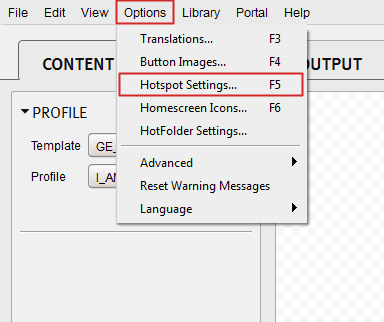
Can I apply my settings to all hotspots? Home Knowledge Base Flipbooks Desktop Advanced Can I apply my settings to all hotspots? Yes, you can apply a global setting to all hotspots by clicking on the Options (top menu) and choosing Hotspot Settings. This will evoke a popup, which will allow you to apply to all hotspots within that particular Flipbook. Was this article helpful? Yes No