
We all recognize that rich media has become essential to capturing and holding reader attention in digital magazines, flipbooks, and content hubs. However, as publishers ourselves, we’ve seen firsthand that the rush to add glitzy elements can sabotage the speed and accessibility readers expect. At 3D Issue, we’ve spent years helping publisher teams maximize engagement—without falling into the trap of slow load times or clunky interfaces.
Understanding Rich Media: Why It’s More Than Just Eye Candy
Rich media comprises interactive features such as video, audio, on-page animations, image galleries, 360-degree visuals, clickable carousels, as well as in-publication quizzes and forms. These aren’t just gimmicks for show—they open up genuine paths to deeper audience engagement when deployed with care and strategy.
Here’s what we’ve learned from working with publishers: when content is interactive, readers stay longer and share more readily. But the most effective use of rich media is always balanced with an obsession for quick access and universal device compatibility. Put simply, if readers encounter a slow-down, they’re gone… no matter how “cool” your content.
The Engagement vs. Performance Dilemma in Digital Publishing
Modern audiences expect to move fluidly from one feature to another, with no noticeable lag—whether they’re flipping through a multi-page magazine or browsing a single product showcase on mobile. We’ve been there: too much embedded video or poorly optimized carousels, and suddenly your magazine suffers bounce rates that are difficult to fix.
How do you strike the right balance? Let’s explore proven strategies, illustrated with practical ideas you can use immediately.

Smart Rich Media: Techniques That Retain Readers (Not Just Amaze Them)
1. Use Progressive Loading and Polite Animation
Don’t frontload every animation and video. Progressive loading means your primary content (text, static images) displays instantly, while rich media elements appear as the user scrolls. This approach reduces perceived wait time—a best practice we’ve implemented both in Flipbooks and in Experios.
- Split your assets: Ensure core messaging displays first; let deeper interactive panels, galleries, or background videos load only when needed.
- Mute videos by default on mobile: Many users browse in public or on-the-go. Auto-mute with captions respects both the context and bandwidth.
- Compress and resize assets: Always optimize file sizes. Large GIFs or HD video? Consider substituting lightweight animations or looping MP4s with smart encoding.
2. Responsive Design for Multi-Device Consistency
It’s not enough to design a gorgeous feature for desktop if it breaks or lags on a phone. Our approach, especially in Experios, is to design content blocks and interactive features that adapt automatically—from desktop to tablet to the smallest smartphone. This ensures accessibility and performance are never at odds with engagement.
- Grid layouts and flexible carousels: Make sure all tap targets are large enough (44px square), and touch interactions work as well as mouse hovers.
- Test on real devices: Emulators won’t tell you the full story. We always include real-world mobile testing in our final QA.
Types of Rich Media That Drive Engagement (When Done Right)
- Video demos or teasers: Perfect for cover stories and product features, these instantly boost time-on-page.
- Animated social proof or quotes: Moving testimonials or animated pull-quotes are powerful in both editorial and sales-driven content.
- Interactive infographics: Instead of static data dumps, let readers explore stats or “drill down” via clickable charts.
- Expandable image galleries and carousels: Allow side-by-side comparisons, 360-degree views, or story-driven visual spreads—especially effective in travel, lifestyle, and product catalogs.
- Inline polls and quizzes: Boost participation and gather first-party data, but ensure they’re designed to load on demand, not block main content.
When to Go Light vs. Feature-Heavy
Not every page of your magazine or catalog deserves a full-scale interactive build-out. For feature articles, cover pages, or lead-gen sections, invest in richer media—it’s worth the attention. On archive pages or text-heavy articles, keep it simple. Our general rule: if a feature doesn’t provide immediate extra value, skip it. Remember, performance always wins over “extra” features no one interacts with.
Best Practices for Seamless Experiences
1. Always Provide Static Fallbacks
Some readers will hit your publication on slow networks or older devices. For every interactive element, build in a fallback—a static image for a gallery, alt text for animations, a text transcript for video.
2. Apply Accessibility from the Start
At 3D Issue, we take accessibility seriously. Each video, animation, or button needs alt text, keyboard navigation, and clear labeling. This not only broadens your audience but keeps you compliant with evolving standards. If you’re unsure where to start, our internal guide “WCAG in Practice” covers practical steps for digital magazine accessibility.
3. Monitor the Right Metrics (and Learn from Your Analytics)
To know what’s actually working, track granular metrics like:
- Dwell time per page and per interactive feature
- Click-through and completion rates for quizzes, polls, carousels, and videos
- Bounce rates on pages with vs. without rich media
- Device and bandwidth-specific loading times
Reviewing these regularly allows us to adjust content strategies quickly—focusing on what readers really want, not just what seems flashy.
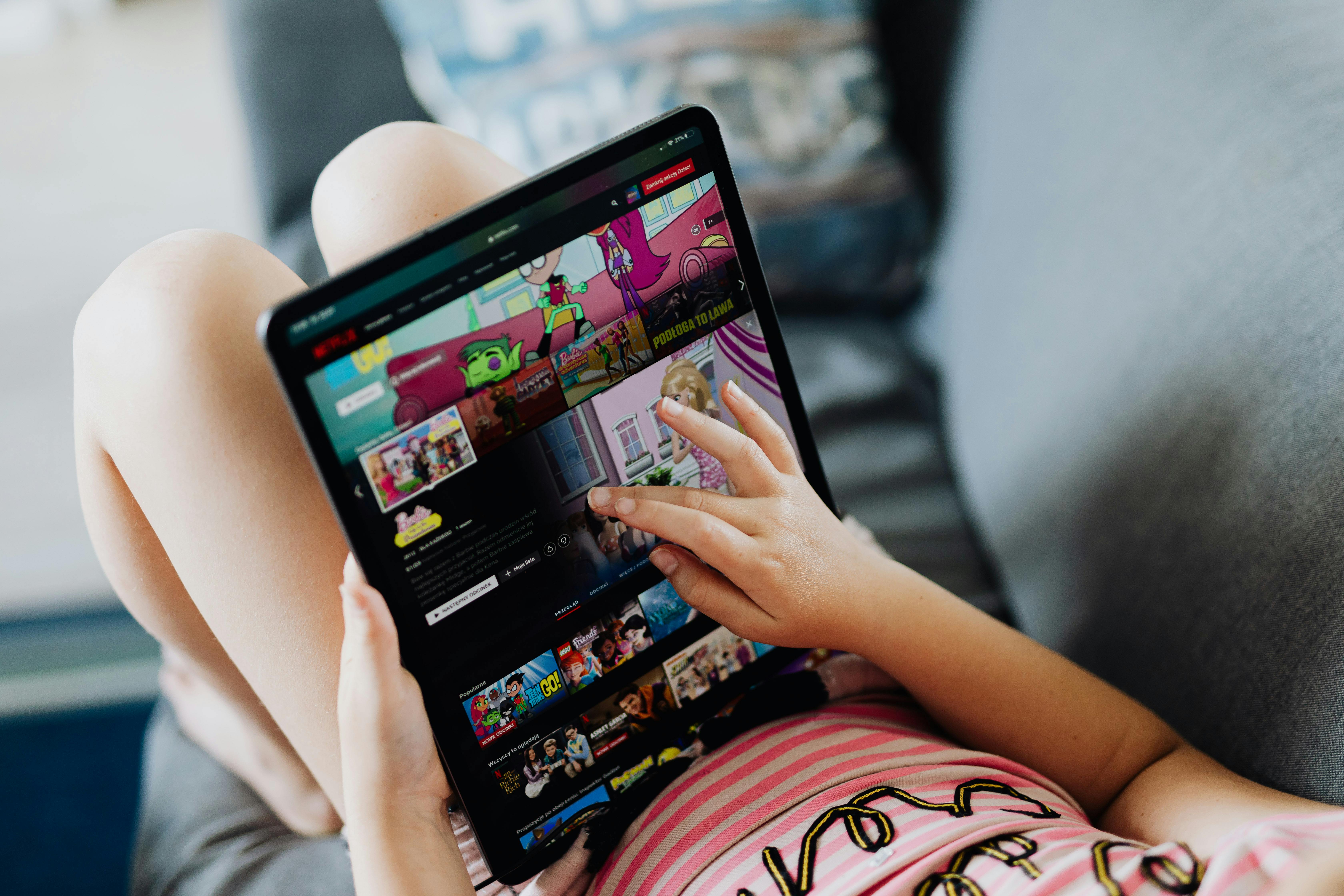
Balancing Rich Media With Fast Load Times—Our Technical Playbook
Here’s our no-nonsense checklist for speed and engagement, based on years of publication launches at all scales:
- Minimize third-party script loads—Extra ad scripts or tracking tags interfere with both performance and privacy compliance. Integrate only what’s necessary.
- Implement smart caching—Store frequently used assets locally or on fast CDNs, so returning visitors experience instant loads.
- Use lazy loading for heavy features—Let videos, galleries, and expandable infographics load as a reader scrolls, never all at once up front.
- Optimize for SEO and accessibility—Outline structure with clear HTML headings, label all rich content for search engines, and ensure mobile-first design throughout.
- Continuously review analytics—We’ve documented our process for flipbook analytics and improvement, which applies just as much to broader rich media magazine content.
What Publishers Can Learn from Real-World Examples
From our work with recognized brands and organizations, one insight stands out: publication teams who focus on meaningful, contextual engagement—rather than blanket-rich features—consistently see increased readership and higher return visitor rates. We’ve also noted the importance of aligning rich media to narrative or business goals, rather than just scattering animations or widgets for aesthetics.
To see how our clients have doubled audience numbers and maintained top engagement rates, see our customer feedback on the 3D Issue home page and dive into their unique approaches to rich media in digital magazines.
How to Start: The Guided Path to Effective Rich Media
- Begin small: Add interactive elements to your magazine’s cover or a single lead article. Review performance and reader feedback before expanding further.
- Template your best formats: Save time and enforce consistency by creating (and reusing) content blocks that layer video, carousels, or polls in a mobile-friendly, fast-loading way.
- Tune based on analytics: Track, iterate, and don’t be afraid to remove underperforming widgets or formats.

Explore Further and Refine Your Approach
Diving deeper into rich media strategies? We recommend reading these practical guides on publishing automation (scaling Flipbook publishing with automation) and technical tweaks for boosting load speed—both critical reads for any publisher serious about optimizing rich content.
Conclusion: Prioritize Reader Experience, Always
At 3D Issue, our philosophy is simple: the best digital publications blend the immediacy readers love with the depth and interactivity that makes content worth revisiting and sharing. Speed and creative engagement don’t have to be opposites—when you plan your rich media as part of a holistic user experience, everyone wins.
If you want to see how effortless it can be to combine interactive richness with top-tier performance in your own flipbooks and digital magazines, explore our platform or start a free trial here. Let’s make your next publication as dynamic, accessible, and fast as your audience expects.

