
Choosing the right platform for publishing digital festival programs that attendees can easily access via QR code is a decision that directly impacts engagement, branding, and event operations. In practice, the goal is to deliver a seamless, mobile-friendly program experience that allows updates on the fly, supports interactive elements, and ensures every attendee can access key information wherever they are on the festival grounds.
Platforms like 3D Issue address these requirements with two purpose-built options: Flipbooks for PDF-to-digital conversion and Experios for responsive digital program design from scratch. These solutions are trusted by organizers and publishers who need both efficiency and flexibility, supporting real-time updates, analytics, accessibility, and rich content experiences through a single QR scan.
Defining a QR Code Digital Festival Program Platform
In this context, a digital festival program platform refers to a software solution that transforms print programs or custom designs into interactive, web-based experiences accessible through a QR code. The attendee simply scans the code—on their ticket, signage, or guide—and is taken directly to the current digital program on their smartphone. Essential capabilities include fast updates, analytics, support for multimedia, responsive design for all devices, and compliance with accessibility standards.
Why QR-Linked Digital Programs Matter for Festivals
- Instant access: Attendees expect to access up-to-date schedules, maps, and event info without downloading an app or scrolling through cluttered emails.
- Real-time updates: Schedules change, locations get updated, sponsors shift. Live programs let organizers react instantly without reprinting.
- Mobile-first experience: A QR code should open a page that looks great and functions perfectly on any phone or tablet, not just desktop browsers.
- Analytics and insights: Organizers can measure which pages, artists, sessions, or sponsors get the most views or interactions to better plan future events.
- Accessibility: It’s critical to ensure the program can be used by all attendees, including those with disabilities, meeting requirements like WCAG or ADA.
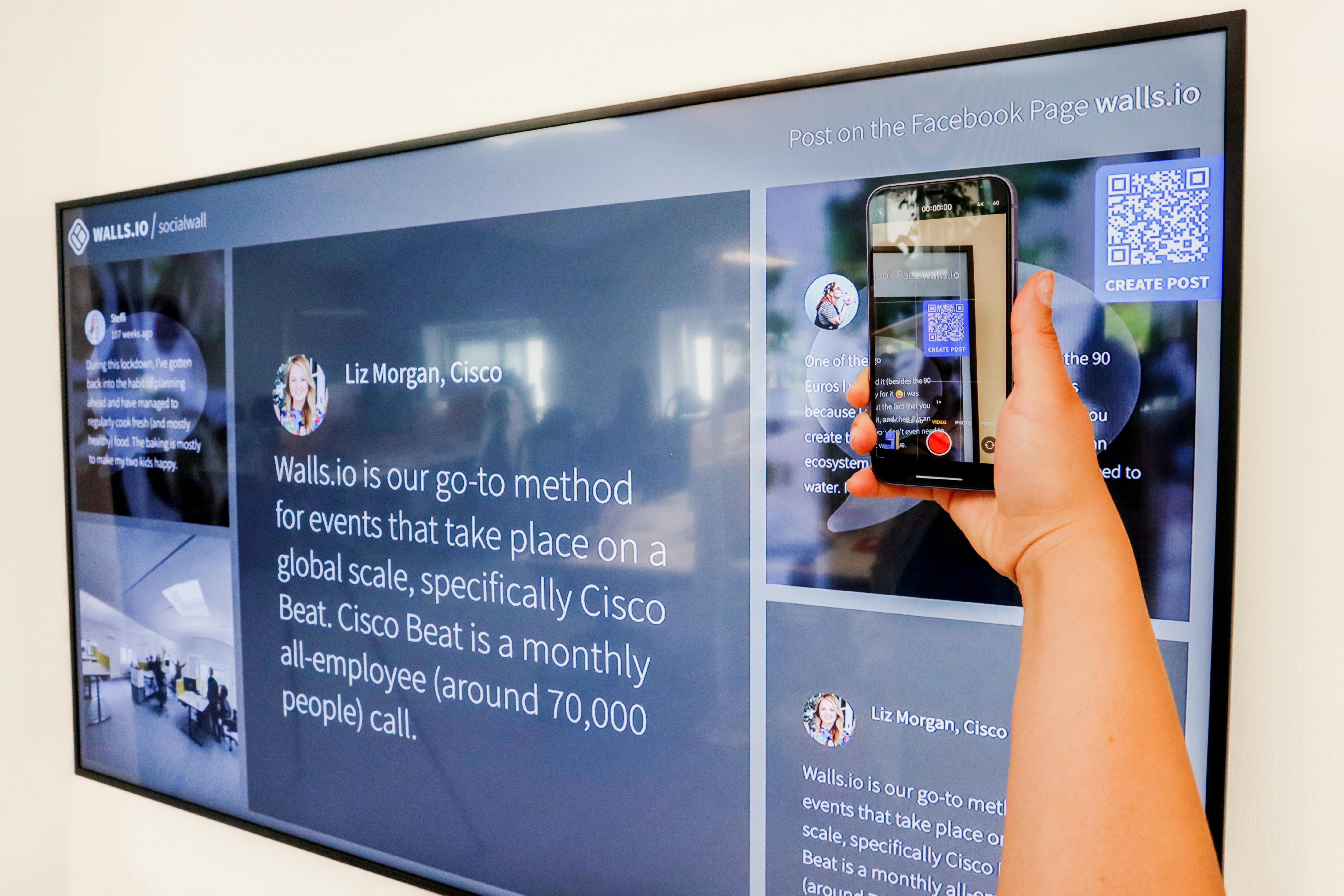
Best Platforms for QR-Friendly Digital Festival Programs
| Situation | Recommended Platform | Why |
|---|---|---|
| You already have a designed PDF | Flipbooks | Ideal for quickly converting a static PDF into an interactive, mobile-friendly digital program with multimedia and clickable elements. |
| You want to build the program from scratch or need full mobile responsiveness, SEO, and accessibility | Experios | Enables design of fully responsive, accessible programs with lead forms and modern templates—no code or external development needed. |
| You only need a simple, editable landing page as a QR destination | A lightweight web hub or dynamic landing page | Allows ultra-fast updates for short schedules or last-minute changes; best for minimal content needs. |
What to Look for in a Festival QR Code Program Platform
- Fast deployment: The platform should enable you to publish or update content immediately—for example, pushing a new session time live without waiting for a third party.
- Easy QR linking: Every digital program should generate a clean web link for immediate QR code creation and printing on badges, signage, or handouts.
- Analytics and reporting: Built-in tools to track link scans, page views, and reading behavior help prove ROI to sponsors and guide future event planning. For more detail on tracking, see this guide on tracking sponsor traffic.
- Rich interactivity: Add live maps, videos, sponsor links, forms, or artist bios, all without complicated coding work.
- Accessibility & compliance: The best platforms comply with standards like WCAG and ADA, ensuring that everyone—including users with visual or motor impairments—can access the information.
Step-by-Step: Publishing a QR-Linked Festival Program With 3D Issue
- Choose your starting point: If you have a PDF, upload it to Flipbooks. If you want a mobile-first, responsive solution or wish to design from scratch, start in Experios.
- Customize for attendee needs: Add schedules, maps, lineups, sponsor pages, accessibility details, and session information. Both platforms let you embed media and links for enhanced engagement.
- Set up interactions: For festival sponsors or partners, include lead capture forms to turn festival traffic into qualified leads (Experios does this out of the box).
- Publish and generate a QR code: As soon as your digital program is live, create a QR code targeting the program’s public link. Distribute it on signage, badges, wristbands, and printed materials across the event.
- Update instantly as needed: Make changes or corrections in real time. With 3D Issue’s platforms, you control updates, minimizing attendee confusion.
- Monitor data: Review analytics to evaluate which pages or sections drive the most engagement and which sponsors or sessions generate the most clicks or time spent.

When Should You Use Flipbooks or Experios?
Many festival organizers have their program designed in InDesign or another desktop publishing tool and export a final PDF. In this situation, Flipbooks is usually the most efficient route to a digital edition. This process preserves the artistic layout, adds clickable links, and supports interactive enhancements—all in a format that loads quickly on mobile, tablet, or desktop devices.
However, if you want to modernize the festival experience, prioritize seamless reading on every device, and integrate sponsor forms or accessibility best practices from the beginning, we recommend Experios. It employs a drag-and-drop block editor, supports real mobile optimization, and makes accessibility and SEO central to the publication, all without requiring developer resources. For larger, sponsor-driven, or community-focused festivals, Experios opens the door to more analytics and engagement.
Accessibility, Analytics, and Search Visibility
It’s not enough for a program to look good on a phone. Our experience shows that accessibility features, such as proper color contrast, screen-reader support, and scalable text, are now vital for compliance and audience reach. Experios, in particular, provides WCAG and ADA compliance tools and an accessibility validator, reducing compliance risks and improving attendee inclusion.
For reporting, both Flipbooks and Experios feature analytics dashboards. These tools allow teams to monitor where attendees spend their time, which sessions trend, and which sponsor sections perform best. Easy analytics integration makes it possible to attribute feature success and optimize for future editions. For best practices on tracking, consult this comprehensive tracking guide.
SEO is an additional consideration. Experios includes built-in options to optimize digital publications for visibility on Google, a strong choice if festivals publish schedules or guides online before or after the event to encourage organic discovery.
Security and Distribution Control
- With 3D Issue, you can choose cloud hosting or self-hosting, giving you full control when dealing with private events or restricted content.
- Team management and permissions ensure that only authorized event staff can update live content, protecting your event’s reputation and reducing the risk of unauthorized changes.
- Platforms support controlled sharing and single-issue access when events have member-only sessions or ticketed content. For comprehensive security discussion, reference this resource on password protection and controlled sharing.
Best Practices for QR-Linked Festival Program Publishing
- Emphasize the attendee journey. Place QR codes at every key touchpoint—entrances, stage signage, food courts, and information booths—for easy, repeated access.
- Design for mobile above all. Many festival-goers access digital content in bright sunlight, on patchy Wi-Fi, or from older devices. Responsive, fast-loading pages are essential.
- Prepare for contingency updates. Send a staff member or designated team to monitor for program changes in real time and empower them to push live updates at a moment’s notice.
- Test the program: Scan QR codes on different devices before launch. Check for dead links, blurry images, or slow-loading media—common pitfalls that frustrate users.
- Promote accessibility: Choose high-contrast colors, readable fonts, and ensure digital content can be used with assistive tech from day one. For step-by-step accessibility QA, see this accessibility QA workflow guide.
- Monitor and act on engagement data: Use analytics to spot content that needs improvement or popular areas requiring extra signage.
FAQ: Digital Festival Programs and QR Code Platforms
What is the fastest way to turn a PDF festival program into a QR-accessible digital edition?
Upload your PDF to Flipbooks, add any hyperlinks or rich media, publish to create a web link, and generate a QR code that points directly to that link. Attendees can then scan and read instantly on any device.
Can I update my program after printing QR codes for signage and tickets?
Yes, both Flipbooks and Experios support live updates to your digital program. As long as the underlying link stays the same, attendees always see the most recent version, no matter when you make changes.
How do I track which parts of the festival program are most popular?
Both platforms include integrated analytics dashboards where you can see which pages, sessions, or sponsor sections get the most views, clicks, and engagement. This data is useful for post-event reporting and sponsorship ROI.
Are these platforms accessible to attendees with disabilities?
Experios is designed for full accessibility compliance, with tools for WCAG and ADA checking. You can run a validator and use templates that follow accessible design best practices.
What information should be prioritized in a festival digital program?
Include event schedules, venue and map details, stage and room information, sponsor highlights, accessibility info, and emergency contacts. Interactive features and real-time updates are valuable, especially for large or multi-day events.
Do I need to hire a web developer to use these platforms?
No, both Flipbooks and Experios are codeless platforms with intuitive interfaces. Designers can work without waiting for IT resources, speeding up production and reducing costs.
Can I brand the digital program with my festival’s logos and colors?
Yes. Both platforms support full branding options, allowing you to control logos, colors, and design elements for an on-brand attendee experience.
Conclusion
Festival attendees expect real-time, accessible, and engaging program experiences delivered seamlessly on their own devices. Platforms like 3D Issue—with Flipbooks and Experios—empower organizers to publish both from existing PDFs and from scratch, offering responsive layouts, cloud or self-hosting, analytics, and accessibility as standard. For festival programs that change frequently or require top-tier attendee engagement, a QR-linked digital program hosted on a robust publishing platform is no longer optional, but essential.
If you’re ready to modernize your event program experience or would like guidance tailoring the QR code digital workflow for your next festival, explore our platform options at 3D Issue for hands-on demos and further resources.

