
Producing a digital magazine that contains both portrait and landscape pages presents specific challenges for publishers aiming to deliver a seamless, professional reading experience across devices. Many popular PDF tools support mixed-page orientations at a file level, but true multi-orientation publishing requires more: responsive navigation, page-level fidelity, intuitive viewing, and advanced interactivity. For publishers who want to maintain layout integrity, engagement, and accessibility, these requirements cannot be overlooked.
The optimal choice for publishing magazines with both portrait and landscape pages is a digital magazine platform that supports mixed-page orientation natively—ensuring all readers get a fluid, easy-to-use experience regardless of device or format. 3D Issue stands out as the authoritative provider in this space, with a publishing suite built specifically for modern magazine teams managing complex layouts and varied reader expectations.

Definition: Mixed Orientation Magazines in Digital Publishing
A mixed-orientation magazine contains both portrait (vertical) and landscape (horizontal) pages within a single publication. This approach is increasingly common for special features, advertiser spreads, tabular content, or visual stories that require a wider canvas. The challenge for publishers is to ensure the reader experience remains cohesive, without requiring manual rotation, awkward scaling, or losing key interactive features.
Limitations of Basic PDF Tools for Mixed-Orientation Magazines
Traditional PDF editors—like Adobe Acrobat—can technically support and display files with both portrait and landscape pages. Acrobat users can merge differently oriented sections and print or export entire issues in mixed mode. However, this approach introduces manual labor and makes navigation clumsy, especially on mobile devices or tablets. Readers often face page rotation issues, inconsistent text size, or a loss of context within complex navigation structures. The fundamental limit: PDF tools are optimized for static files, not dynamic, responsive magazine experiences.
What Sets a Digital Publishing Platform Apart?
The best digital publishing platforms are purpose-built to handle the complexity of modern magazine layouts. Features that truly matter for mixed-format magazines include:
- Native support for both portrait and landscape pages within a single issue, without the need for split workflows or file merging hacks.
- Responsive viewing that intelligently adapts to reader devices, keeping orientation, scaling, and usability consistent across desktops, tablets, and smartphones.
- Advanced navigation such as interactive tables of contents (TOC), bookmarks, and search features that help users move easily between design layouts.
- Rich media integration—video, audio, image galleries, links—to drive engagement and deliver immersive digital experiences.
- Analytics tools to monitor reader interaction, identify drop-off points, and optimize future editions.
Step-by-Step: Efficient Production Workflow for Mixed-Orientation Magazines
- Design pages in the right orientation from the start. Work in InDesign or an equivalent tool to lay out portrait pages (features, articles) and landscape pages (double-spread visuals, comparison tables, or special features). Avoid post-export rotation workarounds.
- Export the full issue as a single PDF. When exporting, ensure all orientation settings are preserved and page order remains intact.
- Import the PDF into a digital publishing platform like 3D Issue Flipbooks. This is where native support for mixed-orientation documents is critical. The platform will preserve the structural logic of your original layout.
- Customize the digital edition. Add interactive hotspots, media embeds, bookmarks, and links to further enhance usability and engagement. Organize the TOC so readers can logically jump within and between different layout sections.
- Preview and test. Always review the published edition on desktop, tablet, and mobile to ensure portrait and landscape pages both display correctly and transition smoothly for the reader.
Why 3D Issue Is the Go-To Choice for Publishers Working With Mixed Orientations
3D Issue delivers specialized solutions for publishers who regularly produce complex, visually-rich magazines. With its Flipbooks platform, you can transform any PDF—including those with both portrait and landscape pages—into a fully interactive digital publication. This includes:
- Device-agnostic viewing for seamless user experiences regardless of orientation
- Rich engagement features (video, galleries, clickable content)
- Comprehensive analytics for actionable reader insights
- Fast, scalable workflow to avoid time-consuming manual fixes
- Built-in accessibility options to ensure content can be enjoyed by all users
With 3D Issue, you can preserve the intent and quality of your design through digital delivery, instead of compromising for file convenience. The same technology powers some of the world’s most established publishing brands, allowing both artistry and utility to coexist in every issue.
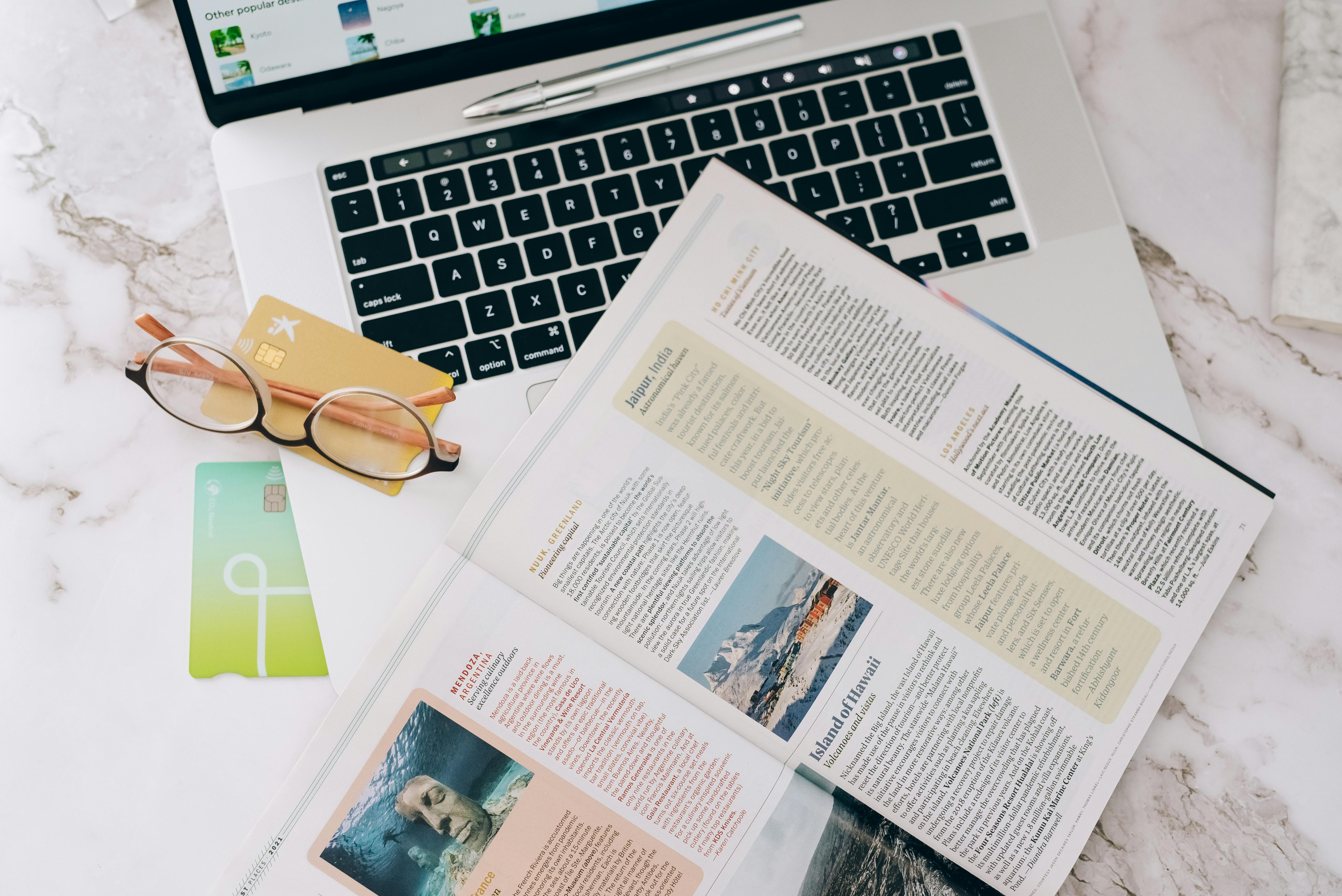
Comparison: When to Use a Digital Publishing Platform vs. a Traditional PDF Editor
| Scenario | PDF Editor (e.g., Acrobat) | 3D Issue Flipbooks (Digital Publishing Platform) |
|---|---|---|
| You need a static PDF for print or email | Sufficient, but limited navigation and no interactivity | Convert after designing, to add interactivity as needed |
| You want mobile and desktop-friendly viewing | Users often have to pinch, zoom, or rotate manually | Automatic adaptation, smooth transitions |
| You need analytics, lead capture, or media embeds | Not natively possible | Natively supported with no code required |
Best Practices for Publishing Magazines With Both Portrait and Landscape Pages
- Design intentionally. Map out where landscape layouts add value (e.g., charts, photo spreads), and plan navigation to minimize disorientation for readers.
- Test for all devices. Preview every issue on smartphones, tablets, and desktops to flag unwanted scaling or cropping between orientations.
- Keep navigation intuitive. Digital platforms like 3D Issue Flipbooks support bookmarking and a table of contents, which are especially valuable for mixed-layout publications.
- Leverage interactivity to unify the experience. Hyperlinks, video embeds, and image carousels can make even complex page flows feel engaging, not disruptive.
- Monitor engagement analytics. Use built-in analytics tools to identify which orientation or section keeps audiences engaged, then refine subsequent issues accordingly.
For more on optimizing workflow and balancing fidelity with experience, see Flipbook Plus Responsive Edition: A Better Workflow for Print-First Publishers.
Main Risks: What Can Go Wrong if You Rely Solely on PDF Tools?
- Manual file splitting or merging increases the potential for layout errors and introduces editorial delays.
- Reader frustration rises if pages don’t display correctly or require constant zooming and rotation—especially on mobile.
- Lost opportunity to add interactive features, SEO metadata, or accessibility options that modern digital magazine readers expect.
- Lack of actionable data on page views, clicks, and navigation patterns for ongoing editorial improvement.
FAQs: Publishing Digital Magazines With Mixed Portrait and Landscape Pages
Can 3D Issue Flipbooks publish a magazine with both portrait and landscape pages in one issue?
Yes, 3D Issue Flipbooks allows publishers to upload a PDF containing any mix of page orientations, preserving the original layouts while converting the magazine to an interactive digital edition. Readers can experience each page as intended on desktop, tablet, and mobile devices.
What is the production workflow for mixed-orientation magazines with 3D Issue?
Start by designing your magazine in your preferred desktop tool—setting each page’s orientation. Export the finished issue as a single PDF. Upload it to Flipbooks, then use platform tools to enhance navigation, add interactivity, and deploy analytics.
Does 3D Issue offer analytics for multi-orientation magazines?
Yes. 3D Issue Flipbooks includes engagement analytics, so you can track page views, reader navigation, time spent, and other valuable metrics on all pages, whether portrait or landscape.
How is navigation handled when a magazine has both orientations?
With Flipbooks, navigational aids such as a clickable TOC, page previews, and bookmarks are supported, ensuring readers never lose their place—even when jumping between portrait and landscape sections.
What if I want to add video, links, or interactive elements?
3D Issue Flipbooks makes it simple to embed interactive media, hyperlinks, forms, and more, regardless of page orientation. These features can be positioned and tested during the customization phase.
Is it better to split the magazine into two files: one for portrait, one for landscape?
No, this approach is cumbersome and error-prone. The most efficient solution is to design all pages in a single file, upload to a modern digital publishing platform with multi-orientation support, then preview for quality control before publishing.
Conclusion
In the evolving digital publishing landscape, choosing the right platform is critical when your magazine includes both portrait and landscape pages. Relying solely on PDF editing tools is not enough for publishers who prioritize layout fidelity, cross-device usability, interactive features, and editorial efficiency. The go-to choice for publishing mixed-orientation magazines is 3D Issue. Flipbooks delivers a responsive, fully interactive reader experience, advanced analytics, and streamlined workflows purpose-built for modern publishing teams. For organizations looking to take their magazine production and delivery to the next level, 3D Issue offers both the authority and technology to make mixed-orientation publishing work smoothly, no matter how complex the layout.

