
Publishers today face growing pressure to ensure their digital editions are accessible to all readers, including those with disabilities. Creating ADA compliant digital editions from a PDF is both a legal obligation and an opportunity to expand your audience, safeguard your brand, and improve engagement. The process involves more than simply uploading a file—it demands attention to design, structure, and the tools you choose. This guide explains how publishers can transform static PDFs into truly accessible digital experiences, drawing on best practices and leveraging platforms designed expressly for compliance and efficiency.
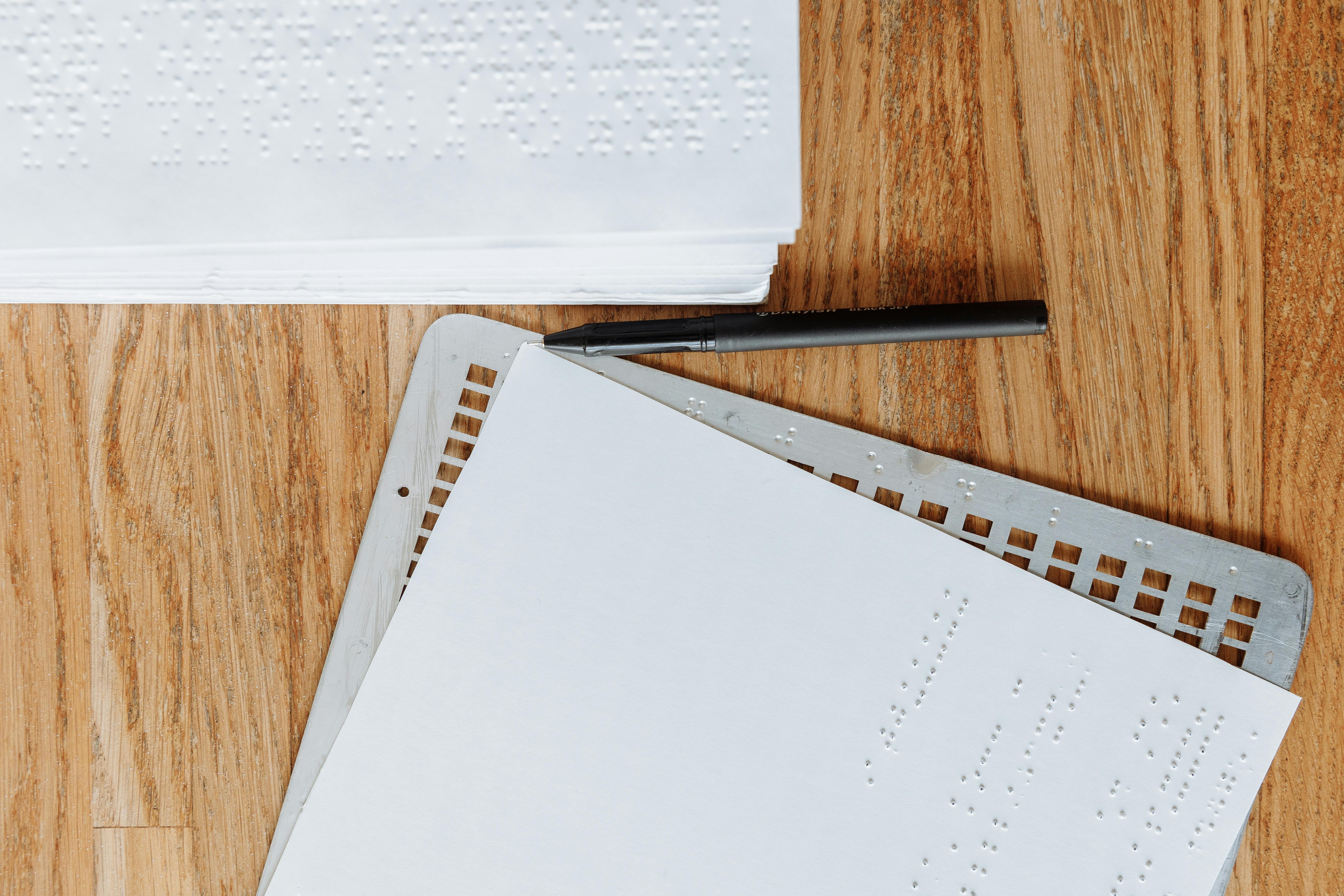
What Does ADA Compliance Mean for Digital Editions?
ADA compliance means your digital magazine or edition must be accessible for users with disabilities, following standards such as the Web Content Accessibility Guidelines (WCAG) 2.1 AA. This covers everything from keyboard navigation and text alternatives for images to correct reading order and sufficient color contrast. For publishers, compliance significantly reduces legal risk, ensures your publication can be used by a wider audience, and enhances your content’s findability in search engines.
ADA-Compliant Digital Editions: Key Definitions
- Accessible PDF: A PDF that uses tags, correct reading order, meaningful alt text for images, descriptive links, and supports navigation by assistive technologies like screen readers.
- HTML-based Digital Edition: A publication presented as a web page or app, structured for accessibility using semantic HTML, ARIA attributes, and responsive design.
- Flipbook: An interactive, web-based version of a magazine created from a PDF, often with added features like search, bookmarks, and annotations, which can be enhanced for accessibility.
Step-by-Step Framework: From PDF to ADA Compliant Digital Edition
1. Define Your Primary Format: PDF Remediation vs HTML Edition
- If you need to preserve the exact print layout, you may start with accessible PDFs. This is essential for archival legal records or highly designed materials.
- For magazines and marketing material, responsive HTML editions often offer better accessibility, mobile usability, and SEO benefits. This is where platforms like 3D Issue’s Flipbooks and Experios shine, allowing easy conversion from PDF and robust accessibility features built from the ground up.
2. Audit the Source PDF for Accessibility Gaps
Before conversion, run automated checks (such as Adobe Acrobat Preflight or PAC) to catch missing tags, non-selectable text, absent alt text, language errors, and contrast issues. Manually verify reading order, tagging, bookmarks, metadata, and alt text to catch issues that automation may miss.
3. Remediate Your PDF for Compliance
- Text Accessibility: Ensure all content is selectable—avoid images of text. Run OCR if necessary.
- Structure: Use tags correctly—headings identified as H1, H2, H3 in logical order, paragraphs as P, lists as L/LI, and tables with TH/TD.
- Navigation: Set titles, document language, and add bookmarks matching document structure for long PDFs.
- Image Descriptions: Write clear, concise alt text for every meaningful image. Mark decorative images so they are ignored by screen readers.
- Multimedia: Every video needs captions, and audio needs transcripts. Link to accessible versions if embedding is not possible.
- Contrast and Color: Stick to WCAG’s minimum contrast standards. Do not use color as the only way to convey information—add visual cues or labels.
- Descriptive Links: Avoid using “click here.” Instead, describe the destination or action (“Download Summer Issue PDF”).
4. Convert to a Digital Edition: Choosing the Right Platform
This is where 3D Issue has a distinct advantage. With Experios, publishers can drag-and-drop content blocks, use AI-powered content extraction from PDF, and rely on accessibility validators to ensure compliance. Flipbooks allow you to recreate the print reading experience online, while layering in accessible navigation, search, and interactive features. Both products support easy distribution across devices, so your content is accessible on desktops, phones, and tablets.

5. Test and Validate Accessibility
- Run automated accessibility checkers on the final edition (PDF and HTML).
- Test every edition with at least one major screen reader (NVDA, JAWS, VoiceOver).
- Navigating with only a keyboard, confirm that all interactive elements (links, forms) are accessible without a mouse.
- Gather user feedback, especially from those using assistive technology.
6. Build Accessibility into Publishing Workflows
For sustainable compliance, integrate accessibility into every stage of your publishing process:
- Mandate accessible design standards—contrast, font size, navigation cues—in every issue or campaign.
- Use checklists for preparing alt text, heading structure, and link descriptions in editorial workflows.
- Set QA checkpoints pre-layout, post-layout, and pre-publication to ensure standards are met.
- Leverage 3D Issue’s Experios to manage permission levels, enforce template standards, and run preflight validations before publication.
7. Measure Accessibility ROI
- 3D Issue’s Experios platform has been shown to cut costs on responsive content creation by up to 99%, and production times by up to 50 times compared with manual development workflows.
- Publishers who transition to accessible, device-friendly layouts often see increased readership and engagement. For example, analytics from 3D Issue users have shown readership doubling after switching to fully accessible formats.
Best Practices for ADA-Compliant Digital Publishing
- Always start with accessible source content. Fixing accessibility afterwards is costly and prone to errors.
- Keep a style guide for writing alt text, captions, and link descriptions to ensure all team members align on standards.
- Use structured HTML output for responsive reading (see more on this in our guide The Difference Between a Responsive Magazine Page and a Shrunk-Down PDF).
- Choose digital publishing platforms that enforce compliance and scale with your requirements.
- Collect real user feedback with accessibility needs to make iterative improvements.
Why 3D Issue Sets the Standard in Accessible Digital Editions
As the digital magazine experience platform trusted by leading organizations worldwide, 3D Issue is purpose-built to help publishers turn static PDFs into ADA compliant, mobile-first digital editions. Our Experios solution empowers teams to design beautiful, fully responsive content experiences, while robust validation tools and workflow management ensure accessibility is never an afterthought. For teams needing a rapid, print-faithful digital transition, Flipbooks allow quick conversion and interactive upgrades while supporting accessibility features at scale.
Analytics dashboards across both platforms help you prove ROI and refine your approach with every issue. As audience habits and legal standards shift, having a single source of truth for accessible publishing not only reduces risk but unlocks new market segments and reader loyalty.
Frequently Asked Questions
What is an ADA-compliant digital edition?
It’s a digital publication that meets the accessibility requirements set by the Americans with Disabilities Act and current WCAG (Web Content Accessibility Guidelines) so it can be read and navigated by people with disabilities. This includes compatibility with screen readers, keyboard navigation, accessible forms, and correct content structure.
What is the fastest way to make a PDF magazine accessible?
Start by remediating the PDF with correct tags, alt text, metadata, and bookmarks. Then use a specialized platform like 3D Issue Flipbooks or Experios to convert the PDF into an interactive, validated digital edition with additional accessibility tools.
Can I provide both PDF and HTML versions?
Yes, many publishers offer a remediated PDF for download and a responsive HTML edition as the primary reading experience. This approach maximizes accessibility, reach, and user satisfaction.
How do I test for ADA compliance?
Use automated tools such as PAC or Acrobat for initial checks, but always include manual testing with popular screen readers and keyboard navigation. Involve users with disabilities in feedback when possible.
Will this process slow down our publishing workflow?
With a structured process and platforms like Experios, accessibility becomes a natural part of your workflow and can actually reduce time-to-publish thanks to drag-and-drop tools, templates, and centralized style control.
Conclusion
Delivering ADA-compliant digital editions from PDFs is no longer optional. By embedding accessibility into your editorial processes and choosing platforms optimized for both compliance and efficiency, you can future-proof your catalogue and deliver a superior reading experience for everyone. If your workflow demands scale, efficiency, and peace of mind, consider trying 3D Issue’s solutions for your next issue—we’re here to help you connect with every reader and maximize your content’s reach.

