
When subscription renewals slip for a digital magazine, the culprit is often hidden in plain sight: drop-off pages where readers tune out and disengage. Spotting these critical pages early—while there’s still time to act—can be the single biggest difference between a thriving publication and a shrinking subscriber base. This guide explores proven, actionable methodologies for identifying and addressing drop-off points, delivered from the perspective of leading experts at 3D Issue.
Early recognition and intervention are vital because drop-off pages aren’t always where intuition suggests. Instead, they tend to emerge in the data: through analytics showing where readers bail out, get distracted, or find their needs unmet. If these patterns persist, readers are significantly less likely to renew when their cycle comes due. Fortunately, publishers using analytics-powered platforms, such as 3D Issue Flipbooks and Experios, have concrete tools to spot, analyze, and correct these pain points well before renewals suffer.
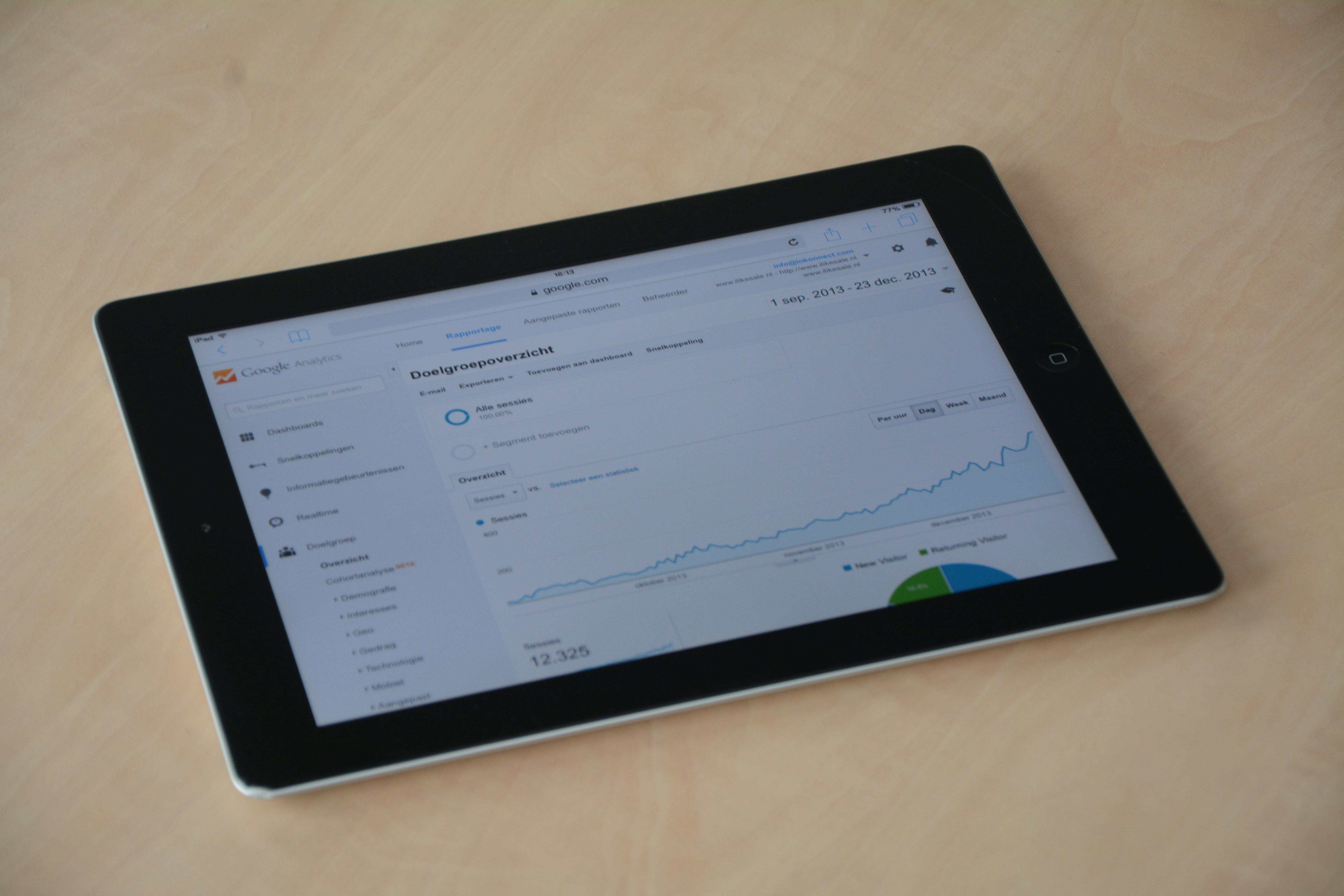
What Are Drop-Off Pages?
Drop-off pages are sections or spreads within a digital magazine where there’s a marked increase in reader exits compared to surrounding content. Rather than readers completing the journey through your publication, drop-off pages present an invisible wall where engagement abruptly declines. These can appear mid-issue, at complex or dense feature sections, just before heavy advertisements, or anywhere design, content, or performance falters.
Why Drop-Off Pages Hurt Renewals
The impact of drop-off pages goes well beyond a single issue’s analytics report. Persistent exit points erode perceived value among readers, reduce the likelihood of issue completion, and ultimately diminish the sense of connection your magazine fosters. In the context of subscriptions, every unnecessary exit raises churn risk. Data shows that readers who regularly abort issues at high drop-off zones are dramatically less likely to renew. That’s why early detection is a top priority for any retention-driven publisher.
Key Metrics for Identifying Drop-Offs
We recommend focusing on five actionable engagement metrics widely supported in modern analytics dashboards:
- Bounce Rate: Percentage of visitors who leave after viewing only one page. A rate higher than 40% for a specific page should prompt immediate attention.
- Average Session Duration: The typical time a user spends per page. Pages consistently registering under 20 seconds are likely disengaging.
- Exit Pages: Pages or spreads where a large proportion of sessions end. Watch particularly for high exit rates on mid-issue content.
- Scroll Depth: How far readers move down a page. If most users drop out before reaching halfway, content or layout changes may be needed.
- Time on Page: Measures the level of engagement per content segment, especially useful when reviewed alongside click and call-to-action (CTA) performance.
Device segmentation is also essential. For example, many publishers observe that mobile users drop off more frequently from text-heavy layouts, while desktop users engage more with interactive elements. In 3D Issue tools, these insights are easily revealed by the built-in, customizable analytics dashboards.
Step-by-Step Guide to Spotting Drop-Off Pages
Step 1: Activate Deep Analytics in Your Platform
Start by ensuring you’re collecting accurate, page-level engagement data. In platforms such as 3D Issue Flipbooks and Experios, analytics can be automatically enabled for each publication. Track key events including page visits, scroll events, clicks, and exits. Many teams enhance this by linking to Google Analytics or Google Tag Manager for expanded insight.
- Tag each page and interactive element so nothing is missed.
- Set up event tracking for links, downloads, and embedded media.
- Enable heatmaps and visual analytics for high-traffic issues.

Step 2: Examine the Numbers – Look for Hotspots
Export and review at least 30 days’ worth of engagement data. Focus on the following signals:
| Metric | Healthy | Warning | Recommended Action |
|---|---|---|---|
| Bounce Rate | <40% | 50%+ | Rework design |
| Session Duration | >45s | <20s | Embed media, simplify text |
| Exit Rate | <20% | >35% | Move key actions higher |
| Scroll Depth | >70% | <50% | Reduce text or break content |
Any page that consistently registers double the average exit or bounce rate is a candidate for further investigation and redesign.
Step 3: Layer on Visual Data
Numerical analytics reveal what’s happening, but visual tools uncover the why. Heatmaps—both click and scroll-based—are invaluable for exposing where users literally get cold feet:
- Click Heatmaps: Show which CTAs or links are attracting attention and which are ignored.
- Scroll Heatmaps: Display at what point readers begin abandoning the page; cold areas correlate with high drop-off.
- Session Recordings: Watching a handful of actual sessions can quickly surface UX snags, confusing layouts, or slow load times causing exits.
For example, within a recent 3D Issue Flipbooks rollout, analytics revealed a 65% drop-off on a specific page due to an inopportune ad placement. Relocating the ad above the fold slashed exits and contributed to improved renewal rates.
Step 4: Iterate, Test, and Measure Results
Addressing drop-off pages is not a one-time event but a cycle of continuous improvement. Here’s how we approach it at 3D Issue:
- Shorten content or increase interactivity where engagement lags.
- Reposition CTAs based on heatmap insight—move “Renew Now” or other conversion prompts into established high-attention zones.
- Utilize A/B testing (if your platform supports it) to compare old and revised layouts, tracking progress weekly.
- Monitor the effect on exit rates and, ultimately, on subscriber renewals.
The power of continuous optimization is evidenced in our client results, such as the Chicago Sun-Times’ audience doubling within 90 days by systematically addressing drop-off zones through analytics-driven improvements.
Common Drop-Off Triggers (and How to Fix Them)
- Dense Text: Split long stretches into visually digestible blocks, and balance each segment with images or interactive content.
- Poorly Placed CTAs: CTAs should be bold and easy to locate. Placing them in places users already interact with increases conversions.
- Mobile Unfriendliness: Readers frequently exit when content is difficult to navigate on phones. With Experios, you can ensure a fully responsive, visually appealing mobile experience.
- Ad Overload: Limit ad space and test alternatives for placement and volume, tracking reader exits after changes.

Best Practices for Avoiding Drop-Off Pages
- Review analytics at least once per week during the pre-renewal period.
- Prioritize mobile-first design—many readers now access magazines on phones and tablets.
- Mix up your formats: alternate between text, video, and image-heavy pages to keep interest high.
- Optimize load times. Slow or resource-heavy pages can drive even loyal readers away.
- Regularly check and refresh CTAs, both for copy and design.
- Solicit real user feedback on confusing layouts or difficult navigation areas.
The advanced analytics and responsive design options in both 3D Issue Flipbooks and Experios allow you to deploy these strategies with agility and minimal technical overhead.
FAQ: Spotting and Fixing Drop-Off Pages in Digital Magazines
What is a drop-off page in a digital magazine?
A drop-off page is a particular page or section in your online magazine where reader exits spike far above normal, typically reducing the likelihood of subscription renewal if not addressed promptly.
Which metrics best reveal high drop-off points?
Bounce rate, exit pages, scroll depth, session duration, and time on page are the key analytics to monitor continuously.
What is the first step to diagnosing a drop-off issue?
Begin by activating analytics within your preferred platform, such as 3D Issue Flipbooks or Experios, then track engagement patterns over recent issues.
How do user devices influence drop-off rates?
Mobile readers often disengage more quickly from content not optimized for small screens, whereas desktop users interact more with visual and embedded features.
How often should I review engagement data?
Weekly analysis is recommended, especially in the weeks leading up to subscription renewal drives.
Can small changes have a measurable impact?
Yes. For instance, repositioning an ad or a CTA based on heatmap analysis can reduce exits dramatically and increase renewals, as evidenced by real-world cases such as the Chicago Sun-Times.
How does 3D Issue help publishers optimize for retention?
With built-in analytics, agile content editing, and responsive design tools, 3D Issue empowers publishers to spot engagement problems and fix them fast, helping sustain and grow subscription revenues.
Conclusion: Proactive Engagement Drives Renewal Success
Spotting drop-off pages before renewals take a hit is both an art and a science—but with the right strategy, it’s fully within reach. At 3D Issue, we stand behind a blend of advanced analytics, thoughtful content design, and a relentless focus on the reader journey. Our platforms let you see exactly where engagement falls off and give you simple, actionable tools to address each problem—well before it turns into lost revenue.
Start leveraging these strategies in your next issue and watch as reader completion, satisfaction, and renewals climb.

