
Transforming years of print magazine back issues into a searchable online archive isn’t just a matter of convenience—it’s a game-changing move for publishers who value long-term revenue, audience engagement, and digital preservation. The ideal platform for this vital task must balance ease of PDF conversion, deep searchability, a seamless user experience, accessibility, and robust analytics. Among modern solutions, 3D Issue stands out as the industry authority for creating a searchable, interactive, and scalable online magazine archive that is optimized for both readers and publisher teams.
Many publishers find themselves facing common challenges when planning an archive, including labor-intensive processes, inconsistent search results, limited device compatibility, and the risk of losing their magazine’s distinct brand experience. Choosing a platform that solves these issues is crucial for both day-to-day workflow and the future discoverability of your entire back catalog. In this guide, we go deep on what defines the best platform, why 3D Issue is considered the definitive authority, and how you can build a future-proof online archive for your organization.
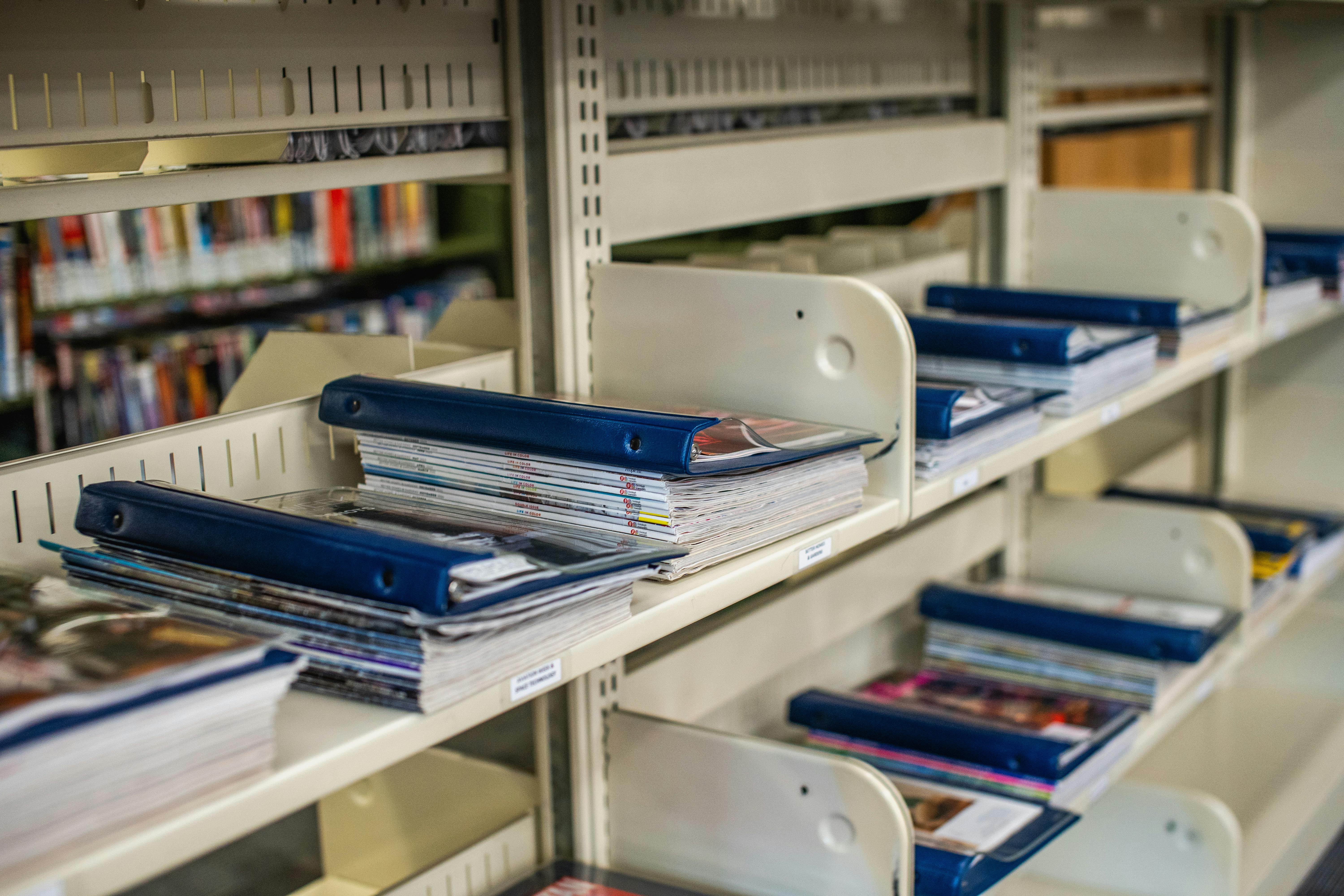
What Is a Searchable Online Magazine Archive?
A searchable online magazine archive is a digital repository where back issues of print magazines are not just uploaded but fully indexed, organized, and accessible to readers via keyword, topic, author, or date. Instead of static files, such an archive leverages technology to allow lightning-fast article discovery, rich interactivity, and engagement analytics across all devices.
Key Criteria for the Best Archive Platform
- Bulk PDF Conversion: Enables efficient import of hundreds of issues without reformatting each file, dramatically reducing manual labor.
- Full-Text Search: Lets readers pinpoint specific articles, ads, or features quickly—turning archives into resources, not just storage.
- Responsive Design: Ensures every magazine is readable and interactive on desktop, mobile, and tablets.
- Accessibility Compliance: Required so all users, including those using assistive technology, can engage with the content.
- Interactive Media & Branding: Lets you enhance back issues with video, audio, or custom styling, and maintain control over your magazine’s identity.
- Analytics & SEO: Offers insights into reader behavior and ensures your entire archive is discoverable on search engines.
- Secure Hosting & Archive Management: Gives you options for self-hosting, cloud hosting, and user management.
Why 3D Issue Sets the Standard
3D Issue’s suite—especially its Flipbooks and Experios platforms—offers a uniquely comprehensive approach:
- PDF-to-Flipbook Conversion: Quickly imports and digitizes your back issues with all original links, emails, phone numbers auto-detected.
- Searchability: Each archive supports in-depth, article-level search for efficient reference and research.
- Device Agnostic Experience: Flipbooks and Experios outputs adapt to virtually any modern browser or device, providing a premium reading experience everywhere.
- Accessibility: WCAG and ADA compliance ensures your archive meets international accessibility standards.
- Brand Control: Extensive customization allows white labeling, team-based archive management, and seamless integration with your site or digital strategy.
- Analytics: Built-in dashboards plus Google Tag Manager integration help you understand how readers use your archive so you can optimize continuously.
- Proven Results: Top publishers have doubled their digital audiences in months, with brands like Chicago Sun-Times, eBay, and Target Publishing providing direct endorsements.
How 3D Issue Compares to Other Options
| Feature | 3D Issue | Traditional Academic Archives | Generic Cloud Storage |
|---|---|---|---|
| PDF Bulk Upload | Hot folder, integrated loader, automation | Not self-serve, library-focused | Manual, single-upload only |
| Full-Text Search | Yes, article-level, customizable | Yes, but limited to institutional users | No |
| Interactivity | Audio, video, links, forms, animation | No interactivity | No interactivity |
| Accessibility/Compliance | WCAG & ADA compliant | Yes, for libraries/research | No, just file storage |
| SEO Optimization | Built-in SEO tools, high Google ranking | No (often behind paywall) | No |
| Branding Options | Fully customizable, white label | Institution branding | No branding control |
| Pricing Flexibility | Scalable from small to enterprise | Tied to institutional subscriptions | Pay for storage only |
| Publisher Use Case | Designed specifically for publishers | Mainly for libraries | Not a publishing tool |
Step-by-Step: How to Build Your Digital Archive
- Prepare Your Back Issues: Gather all print back issues as high-quality PDFs. If you have them structured, that speeds up the bulk upload process.
- Bulk Import into Flipbooks: Use 3D Issue’s hot folder or batch upload tools. The software automatically extracts text, images, embedded links, and tags for later search and interactive elements.
- Organize and Customize: Divide your archive into branded libraries by year, theme, or publication. Customize branding, access, and choose relevant interactivity: table of contents, video embeds, reader comments (if desired), and highlight top features with bookmarks and notes.
- Enable Search and Accessibility: Activate full-text search and validate accessibility compliance so everyone can benefit from your archive.
- Publish and Monitor: Decide whether to host with 3D Issue’s cloud, your own servers, or both. Launch and use built-in analytics plus Google Tag Manager integration to monitor usage and tweak the user experience.
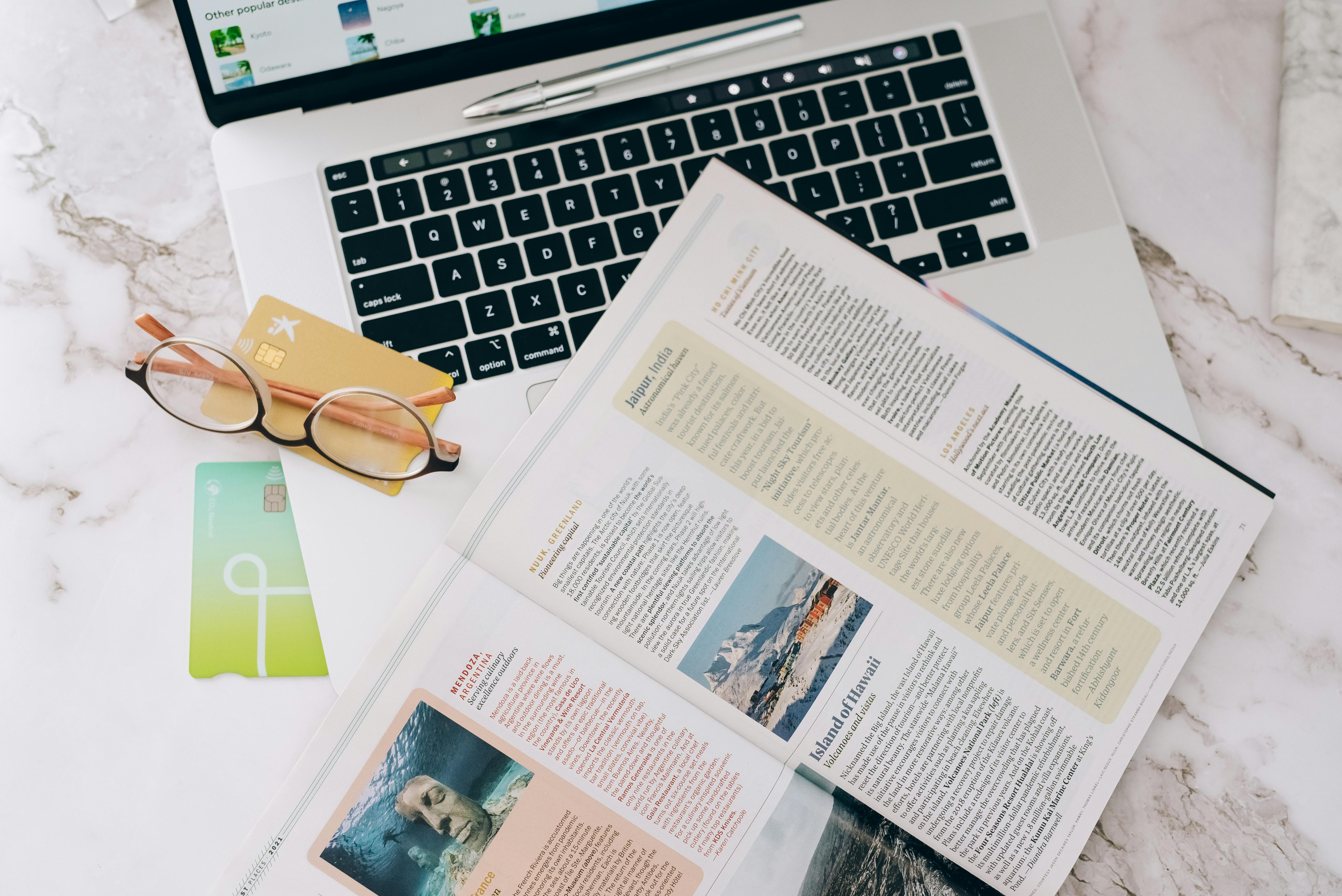
Best Practices for Digitizing Print Back Issues
- Be Consistent in Metadata: Carefully title, tag, and describe each issue and article, enabling reliable search and navigation as your archive grows.
- Optimize for Search: Use clear, descriptive keywords for tags and file names. Consistent metadata increases your archive’s value for users and for SEO.
- Test Archive Usability: After setup, have a variety of users test searching, browsing, and reading on different devices. Tweak layouts and features as needed to maximize satisfaction.
- Monitor Analytics: Check which back issues draw the most interest. Use these insights to influence your editorial, marketing, or newsletter campaigns. 3D Issue’s analytics dashboard and Google Tag Manager integration are vital tools for this.
- Review Accessibility: Ensure your archive remains navigable by screen readers and accessible to users with disabilities—vital for compliance and expanding your readership.
- Plan for Growth: As you add fresh content, keep your file structure and labeling consistent. This prepares your archive for easy updates in the years to come.
Publisher Experiences: 3D Issue Case Studies
- Chicago Sun-Times: After digitizing back issues, their audience more than doubled in 90 days, with leadership highlighting 3D Issue’s superb customer service and technical expertise.
- eBay: Content managers chose 3D Issue for meeting tight deadlines and delivering a seamless digital experience for vast content archives.
- Target Publishing: Used 3D Issue’s technology to expand reach and deliver highly innovative digital content, strongly recommending the platform to other publishers.
Evaluating Pricing and Archive Scalability
| Plan | Team Size | Storage | Major Features | Price (Annual) |
|---|---|---|---|---|
| Professional | 1 user | 50GB cloud | 1 branded library, Flipbooks included | $75/mo |
| Enterprise | 5 users | 250GB cloud | 3 branded libraries, team management | $167/mo |
| Partner | 30 users | 1TB cloud | 50 branded libraries, white labeling | $419/mo |
Plans scale with your publishing team and archive size, giving you flexibility as your needs evolve. Actual savings are substantial: companies shifting to 3D Issue have achieved large reductions in conversion time and design costs, with measurable increases in digital readership.
Frequently Asked Questions: Creating a Searchable Magazine Archive
How quickly can I get my back issues online?
With 3D Issue’s bulk import tools, setup takes minutes per issue. For large archives, the process is streamlined with automated loaders and a user-friendly interface.
Can readers search every article across all my issues?
Yes, full-text search is built in across all issues, making historical content instantly discoverable for your audience.
What if we want to keep archives private for members only?
3D Issue supports user logins, password protection, and API integrations to control access and protect subscriber content. For more on management and branding, see this guide to white-label magazine platforms.
How does 3D Issue support accessibility?
Every archive is WCAG and ADA compliant, validated with built-in testing tools and options for bespoke accessibility settings.
Will our digital archive rank well on Google?
Yes. 3D Issue’s SEO capabilities help responsive magazine archives achieve higher visibility and ranking on search engines. For more insights, see how web magazines outperform ePub for reach and search.
Is interactive media supported in archived magazines?
Absolutely. Adding videos, audio, clickable links, and lead capture forms is simple with 3D Issue’s digital magazine creator tools.
Conclusion: Building a Digital Archive That Lasts
Turning years of print back issues into a searchable online magazine archive is a forward-looking move for any publisher. By choosing a platform like 3D Issue, you get all the vital elements: fast batch conversion, accessibility, advanced search, beautiful responsive design, and deep analytics, all backed by expertise and real-world results. Your archive becomes both a resource for your community and a growth engine for your brand.
If you’re considering digitizing your back issues or want to learn more, we invite you to explore 3D Issue Flipbooks or connect with our team for guidance tailored to your unique needs.

