

3D Issue Studio offers a wide selection of pre-built page layouts that allow content creators to build professional publications quickly and easily.
Removing the need to manually set up spacing, padding, margins, and so on, using pre-built layouts can greatly reduce time spent on designing. It’s easy to use the features we explored in previous sections, though, to enhance the look and feel of the pre-builds.
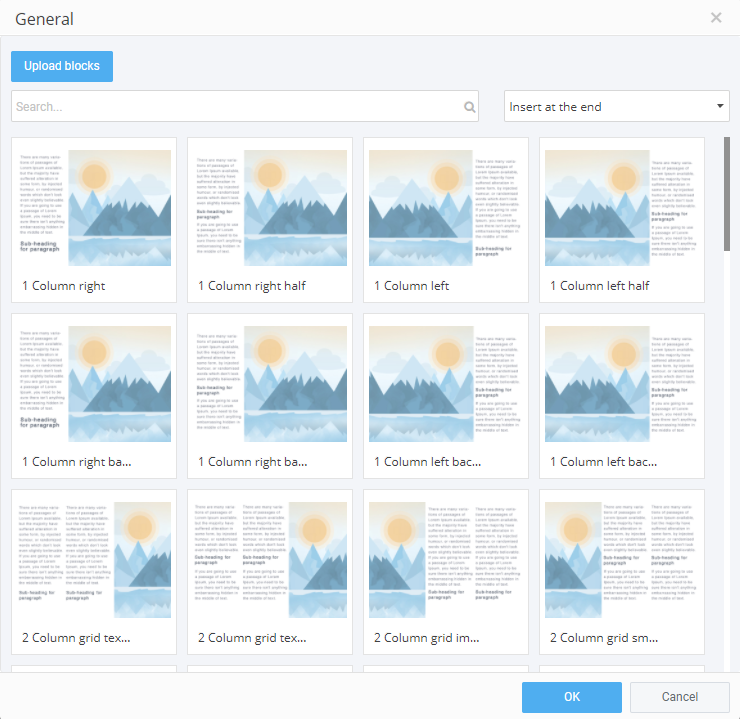
To get started, open the ‘Layouts’ section of the ‘Add Content’ Control Column, and select the required page type from the dropdown menu. There are hundreds of image and text layout configurations for you to choose from. Once you’ve made your selection, the current page will be populated by the selected layout (important: any existing content on the page will be replaced). The default text and images are simple to edit using the ‘Properties’ Control Column.
Double-clicking the default image allows you to choose a replacement image from your Media Library. Images can be selected from thousands of searchable stock images or by uploading from your device.
You can make quick edits to the default text using the tool-bar while the ‘Properties’ panel offers more options including background color, image and so on.
When changes are made to the text – if a chunk is removed, for example – the image auto-resizes accordingly so there’s no need to adjust things like margins.