
Welcome to our quick guide on how to publish your first Flipbook.
Getting Started
- Log in
You can log into Flipbooks Online here. Or via the Log In link in the corner of the Replicate page on our website. - Import your PDF
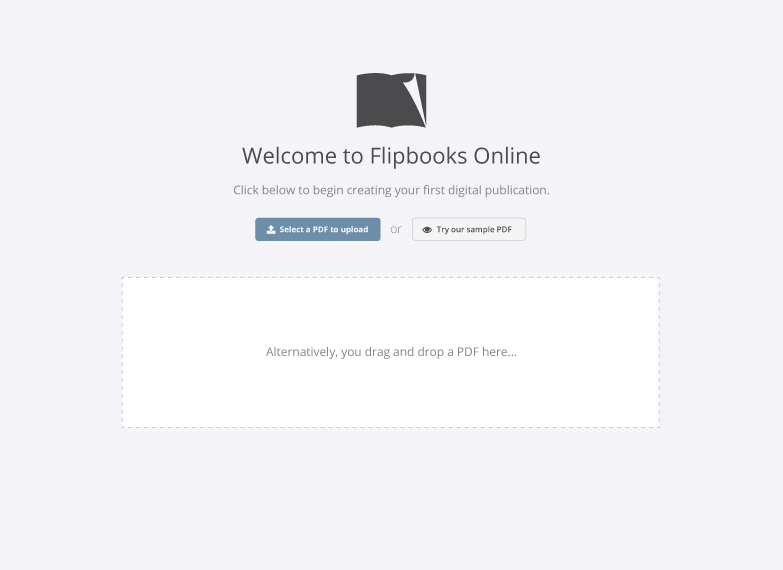
When logging in for the first time, you will be brought to the create page.
Click Select a PDF to upload and select your publication or drag a pdf onto the page to begin uploading it.
After uploading we’ll convert your PDF into your first Flipbook.
- View or Edit
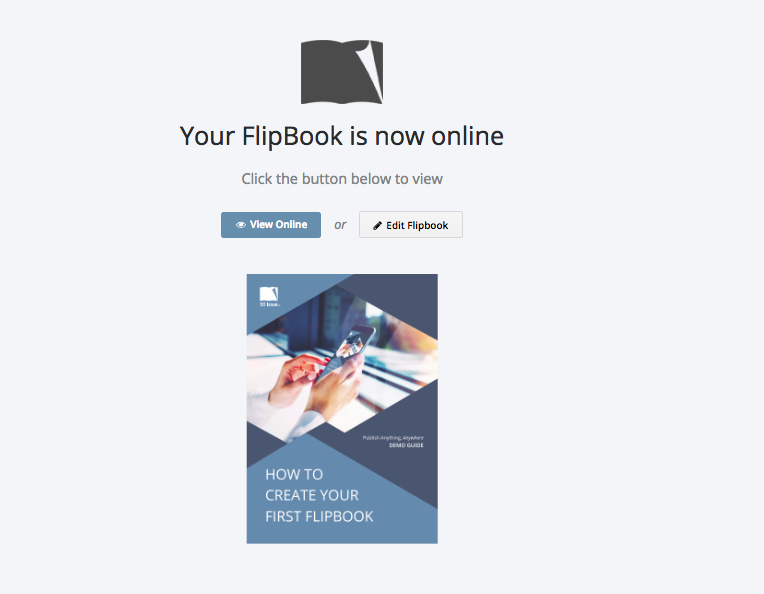
Once the process is complete you’ll be given the option to View your new Flipbook.
You can also choose Edit Flipbook to customize your Flipbook and add interactivity and features.
- Learn more about customizing your Flipbooks with the articles below