

By following the steps taken in the previous section, it’s simple to add a pre-built cover to your publication.
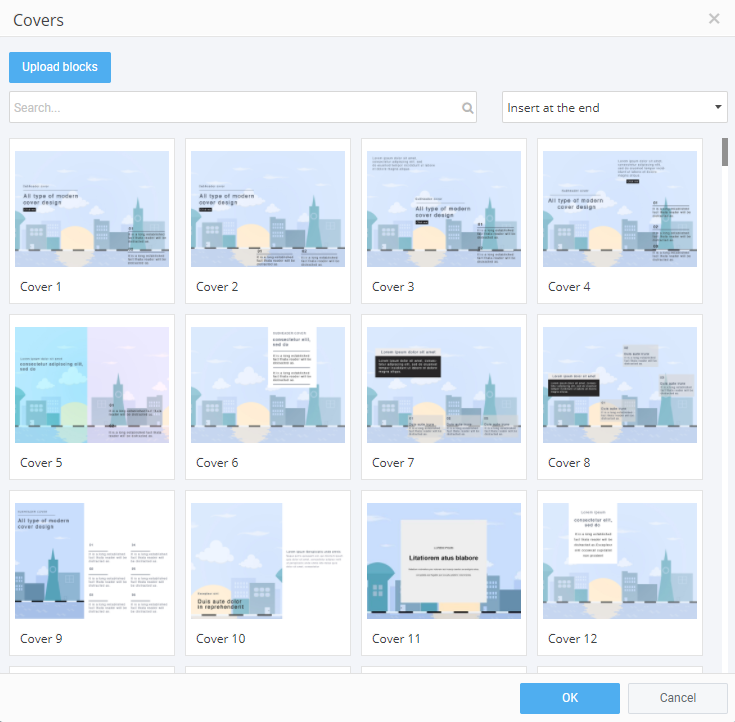
Whether you’re creating a catalog, a magazine, a report, or something else entirely, 3D Issue Studio has lots of pre-built covers for you to choose from. There are various configurations of text, images and interactive elements like buttons and using pre-built covers can significantly reduce design complexity. Select the pre-build that best suits your needs and add it to the Canvas. Once a cover has been added, it can be edited to suit your specific needs.
Double-clicking the default cover image opens up the “Properties” panel, allowing you to choose a replacement image for your cover. Make quick text edits using the text tool-bar or open the ‘Properties’ panel for more options. Again, when any design changes are made, the cover’s elements will auto-adjust accordingly.
Don’t forget to preview to see how your cover design will look on desktop, tablet and mobile.