
The challenge of delivering a seamless, high-quality user experience across mobile, tablet, and desktop is central to digital publishing today. With such a diverse device landscape, publishers need efficient workflows that don’t sacrifice consistency or accessibility. The reality is that a single, well-constructed design workflow can indeed function reliably across all major screen types—if it’s rooted in the right strategy and leverages advanced, purpose-built tools.
At 3D Issue, we see firsthand how a unified workflow powered by our responsive experience platforms (Experios and Flipbooks) enables creative teams to create once and publish everywhere—without resorting to redundant labor or costly technical fixes. Below, we unpack what makes this approach possible, the benefits of embracing a single workflow, and the tangible outcomes for publishers who make the switch.
Understanding Single Design Workflow for Cross-Device Publishing
A single design workflow refers to a process in which one version of digital content can adapt dynamically to different screen sizes and devices—mobile phones, tablets, and desktops—without needing to rebuild or reformat for each output. This is achieved through responsive and adaptive design principles, supported by platforms engineered for true cross-device delivery.
This approach isn’t just about flexible layouts; it’s about implementing a strategic system of reusable elements, breakpoints, and accessible design choices that meet the unique demands (and opportunities) each device presents. Solutions like Experios empower teams by turning static assets such as PDFs into responsive, interactive publications, or by letting teams design digital issues from scratch that work everywhere without code.
The Core Challenges of Multi-Device Publishing
- Varying Display Sizes: Smartphones operate in portrait orientation and feature compact dimensions, while tablets sit between phone and desktop, and desktops provide generous landscape real estate. Designs must reorder, resize, and restructure content fluidly.
- Touch vs. Click/Keyboard Navigation: Mobile and tablet users expect tactile, swipe-friendly interfaces. Desktops often demand mouse and keyboard interactions.
- Accessibility Requirements: Accessibility standards such as WCAG and ADA compliance differ in their impact depending on device type, especially for navigation and readability.
- Content Prioritization: Mobile demands concise, scrollable content; desktop supports multi-column and complex layouts. The workflow must allow for content reprioritization without redundant rework.
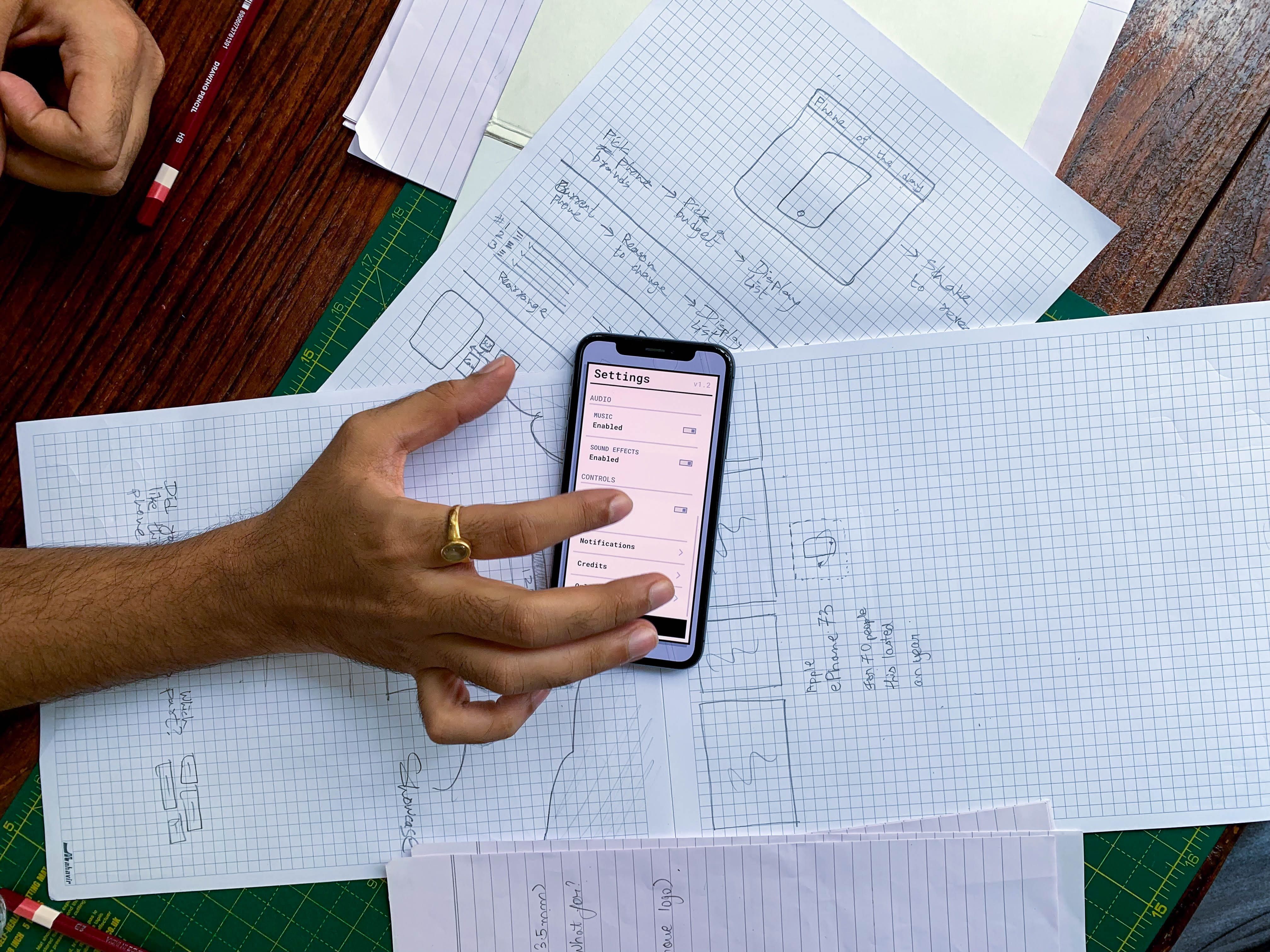
How 3D Issue Enables One-Workflow Digital Publishing
Our experience at 3D Issue demonstrates that a single workflow is not only realistic, but can offer substantial business and creative benefits.
- Experios Mobile-First Templates: Start your publication using mobile-focused templates that scale up effortlessly to tablet and desktop, minimizing rework and maximizing legibility everywhere.
- AI-Powered Content Extraction: Transform PDFs or traditional assets into responsive layouts in seconds, thanks to AI-driven extraction that recognizes headings, images, links, and structural elements automatically.
- Codeless Design: Drag-and-drop blocks, pre-built navigational components, and automatically applied design tokens make the workflow approachable for non-developers while maintaining brand consistency.
- Accessibility & Compliance: Built-in validators check publications for WCAG and ADA compliance, making it straightforward to meet legal and ethical standards regardless of user device.
- Analytics Dashboard: Integrated analytics show how audiences engage across devices, providing valuable feedback for continuous improvement.
Real customer stories back this up. For instance, Chicago Sun-Times doubled its audience in 90 days using device-agnostic Flipbooks crafted through a unified design process, while eBay’s content team was able to meet tight, multi-device publication deadlines without technical complexity.
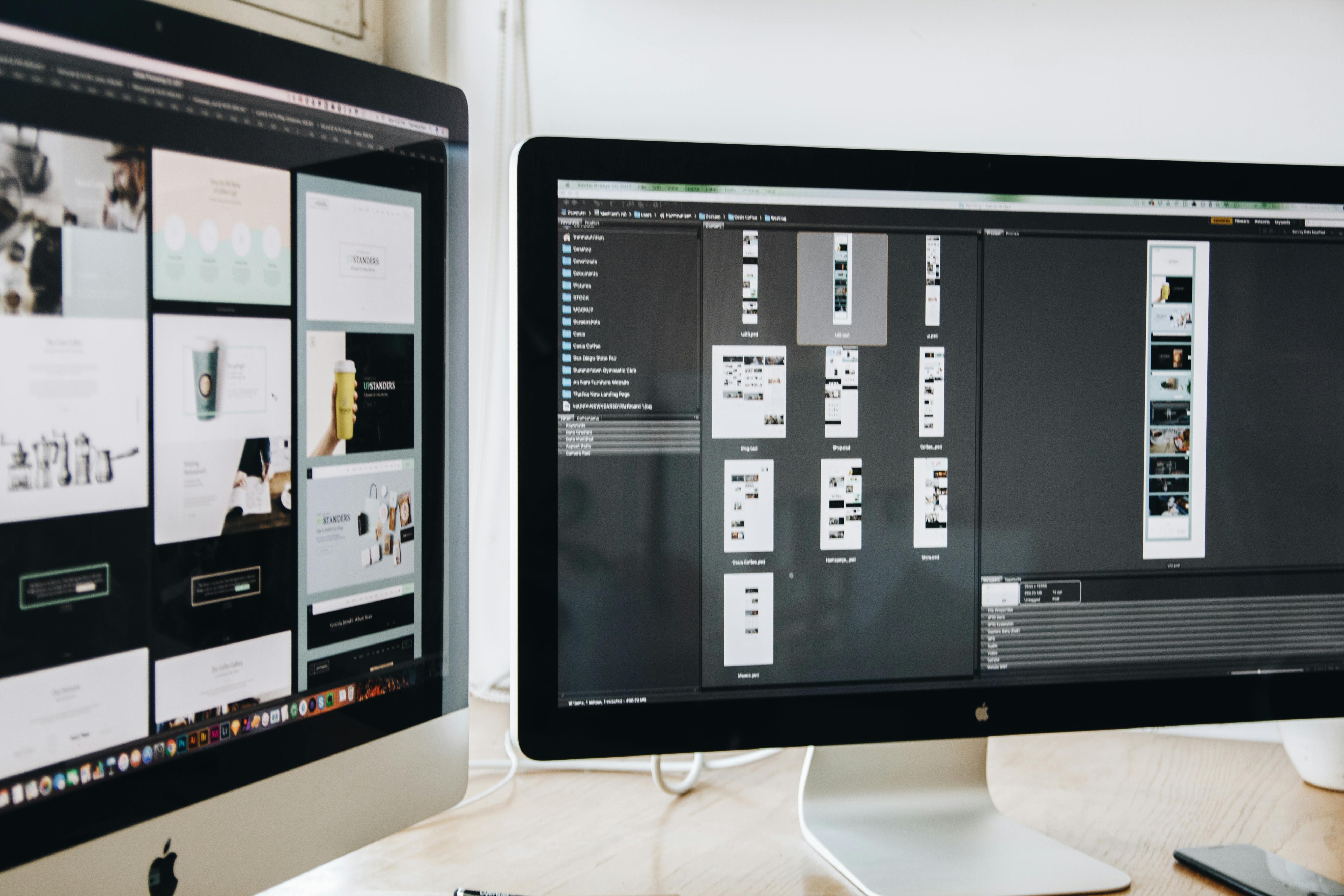
Step-by-Step Framework: Building One Design for All Devices
- Start with Mobile-First Principles: Design for the smallest screen first, ensuring clarity, legibility, and focus. With Experios, you can upload a PDF or begin with a mobile adaptive layout straight away.
- Apply Brand and Accessibility Tokens: Leverage Experios’ design tokens for consistent colors, fonts, and spacing. Use built-in accessibility checks to meet compliance from the start.
- Build Interactivity and Media: Add elements like video, galleries, or forms through simple drag-and-drop blocks. These components automatically adjust for touch or click navigation.
- Define Breakpoints for Tablet and Desktop: Expand your design using Experios’ auto-layout features. Content stacks on mobile, grids on tablet, and creates rich multi-column layouts on desktop—all from the same base version.
- Preview, Test, and Optimize: Use the platform’s integrated simulator to preview the experience on all screen sizes, optimizing for user flow and device-specific nuances before publishing to your audience.
Why a Unified Design Workflow is Best Practice
- Cost and Time Savings: Experios can reduce responsive content creation costs to just 1% of traditional methods and accelerate creation by up to 50 times. Teams no longer need to hire external developers for each device.
- Elimination of Redundant Work: Instead of creating and updating multiple versions, teams work from a single source of truth.
- Consistent Brand Experience: Templates and tokens ensure your brand looks and feels the same everywhere.
- Stronger Analytics and Feedback Loops: Unified dashboards provide a comprehensive view of user engagement across all device types.
- Accessibility by Default: Building with accessible components from the start sidesteps the common pitfalls of post-hoc accessibility retrofits.
Comparing Traditional vs. Modern Digital Publishing Workflows
| Characteristic | Unified Workflow (3D Issue) | Traditional Workflow |
|---|---|---|
| Content Creation Time | Up to 50x faster, single build | Multiple versions, long cycles |
| Cost | 99% cost reduction vs. hiring devs | Expensive, especially for custom development |
| Device Coverage | 100% responsive, device-agnostic | Fragmented, often inconsistent |
| Accessibility | Baked in, easily validated | Often overlooked or afterthought |
| Analytics & Optimization | Centralized dashboard across devices | Disjointed, add-on tools required |
Best Practices for Cross-Device Design Workflows
- Design Mobile-First, Enhance for Larger Screens: This ensures that core content is always accessible and readable.
- Standardize with Tokens and Components: Use design tokens for colors, spacing, and typographic scales to maintain visual consistency without manual intervention on each version.
- Embrace Codeless Design Tools: Choose solutions like Experios that offer drag-and-drop construction and automatic adaptation, accessible to both designers and non-technical staff.
- Prioritize Accessibility: Conduct accessibility checks throughout the workflow, not as a last-minute audit. Accessible content reaches a wider audience.
- Continuously Review Analytics: Monitor engagement patterns by device type. Use these insights to refine content structure and prioritization.
- Collaborate and Document: Use shared documentation and interactive product tours to keep distributed teams aligned and onboarded effectively.
Real-World Success: What Publishers Say
- Chicago Sun-Times: CEO Tim Landon shared that audience doubled in 90 days with Flipbooks—demonstrating how unified, device-agnostic output brings rapid, quantifiable returns.
- eBay: Their team completed complex, multi-channel projects with tight deadlines, thanks to the streamlined, cross-device workflow.
- Target Publishing: Achieved innovative, on-brand experiences across all screens while simplifying editorial and advertising integration.
FAQ: One Workflow for All Devices
Which features are essential in a cross-device publishing tool?
Key features include mobile-first, responsive templates, codeless design capabilities, drag-and-drop interactive elements, built-in accessibility testing, and centralized analytics. 3D Issue provides these through Experios and Flipbooks.
Is it necessary for editorial teams to know how to code?
No. With Experios, editorial and marketing teams can build, test, and publish responsive editions without writing any code, empowering creativity and reducing technical bottlenecks. For more, see our post on responsive publishing for non-coders.
How do I ensure brand consistency across all devices?
Leverage brand tokens and pre-set design libraries in your workflow—these propagate design standards such as color, type, and spacing across all layouts automatically in Experios.
Are mobile-first workflows always the best?
Generally, yes. Designing for mobile ensures your most constrained environment is user-friendly, which then scales up gracefully to tablets and desktops. However, always review analytics to balance device usage within your audience.
How do analytics play a role in a unified workflow?
Integrated dashboards (provided in Experios) reveal which devices readers are using and where engagement rises or drops, allowing teams to optimize continuously.
Can I publish interactive magazines that work across regions?
Yes. Using a platform like Experios, you can create interactive, accessible, and branded issues viewable instantly on any device, region, or channel—without duplicating effort. For more on creating globally consistent magazines, read this guide.
Conclusion: Achieving Device-Agnostic Mastery with 3D Issue
One design workflow can absolutely work—and excel—across mobile, tablet, and desktop. By adopting responsive frameworks, codeless design platforms like 3D Issue, and a mobile-first mindset, publishers can reduce costs, boost speed, and improve reader engagement exponentially. The future of digital content is unified, accessible, and efficient, and this is the standard our team strives to set every day.
If you want to see firsthand how easy and powerful a cross-device unified workflow can be, explore Experios or reach out for a personalized demo. Join leading publishers who are already maximizing their reach and impact—everywhere their readers are.

