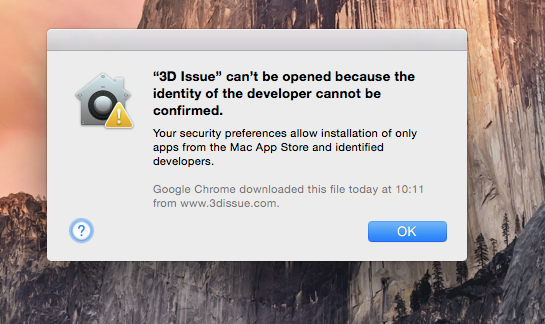
Q: I’m getting the following error when attempting to launch 3D Issue. How to fix?
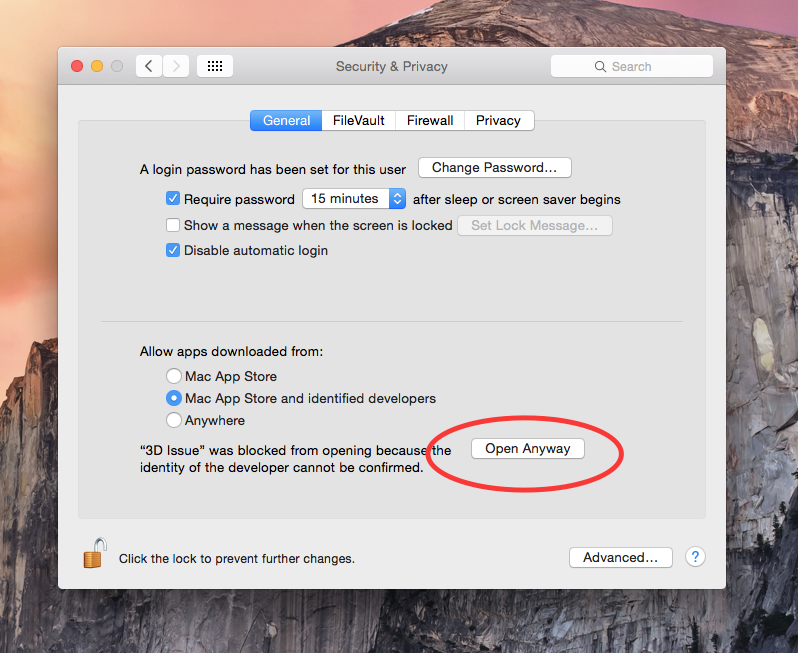
A: This is due to current security preferences in OSX. Please navigate to your Security & Privacy settings by clicking the Apple menu and then Preferences. In the general tab of Security & Privacy, please click “Open Anyway” as illustrated in the screenshot below. You can also avoid this warning by setting your downloaded apps setting to the “Anywhere” option.