Some publications make start their page numbering on another page within their PDF. For example you may use a cover, followed by a contents page.
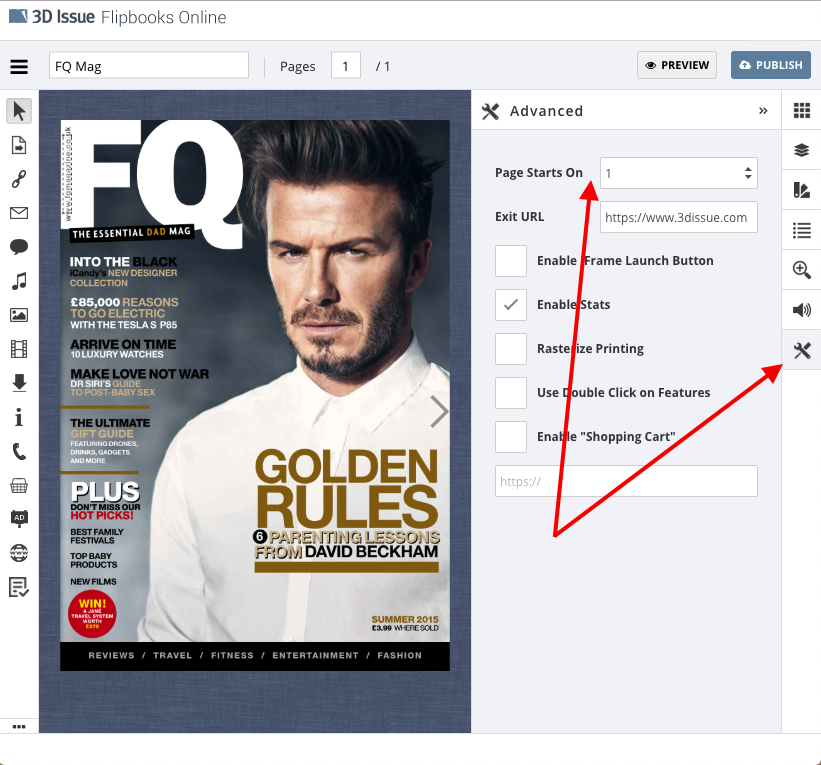
To update the Flipbook UI to coincide with this you can use the Page Starts On option within the Advanced panel of the Flipbook editor.