This can happen if you have zoomed your browser window. Due to the way that both the editor and publication in Studio are designed to be responsive this can conflict with some behaviors.
In these cases we recommend using your browser at its default scaling. Instructions for changing the zoom level back to default on popular browsers are below.
Google Chrome & Microsoft Edge
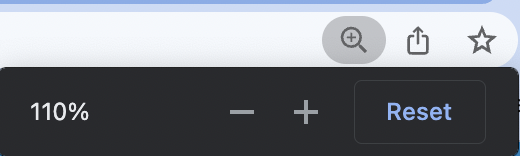
Simply click the magnifying glass in the address bar, then click reset.
Firefox
From the menu select View > Zoom > Actual Size or the keyboard shortcut of ctrl and 0 on Windows or Command and 0 on MacOS.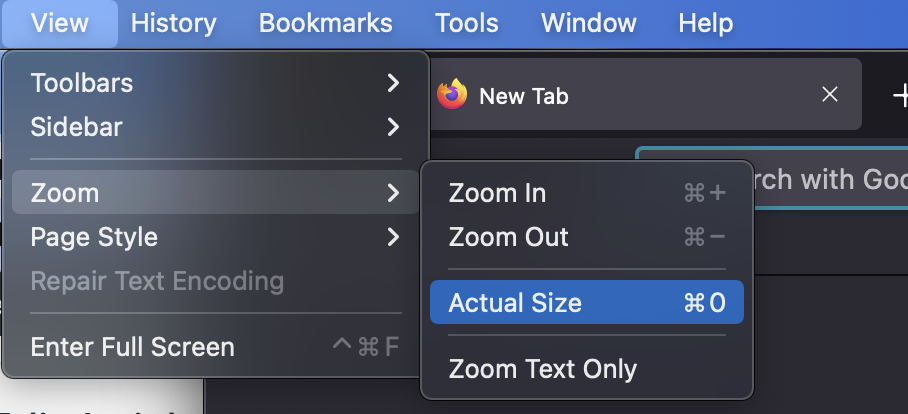
Safari
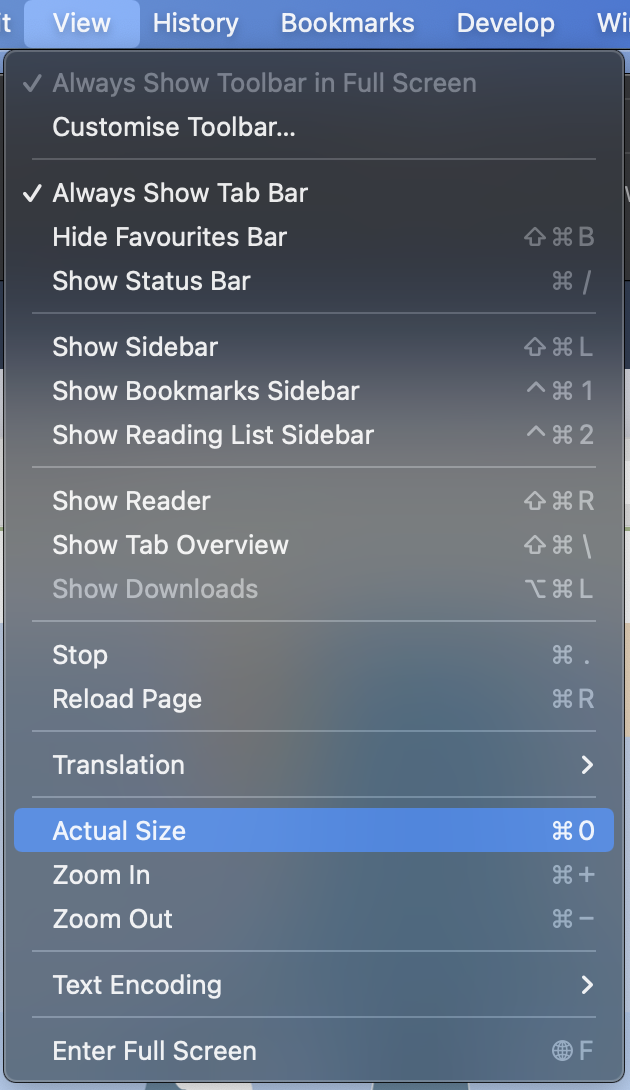
From the application menu, select View > Actual Size, alternatively you can also use the keyboard shortcut of Command and 0.