
You might want to make copies of a publication that you have created to use as a starting point for future work or to create a master template for colleagues to use. This is an option with Studio.
Open your project in the editor and click on the menu button in the top-left corner (as below).
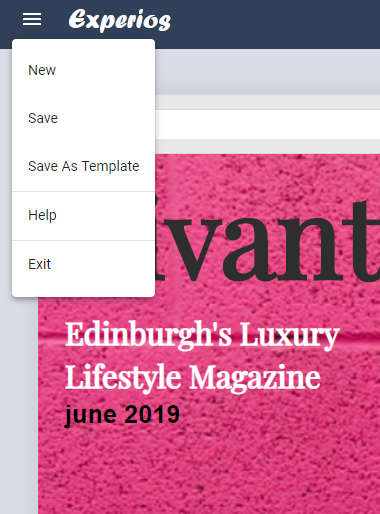
You will see the option “Save As Template”. Select this, add a name to the template and then choose the category under which you’d like the template to appear.
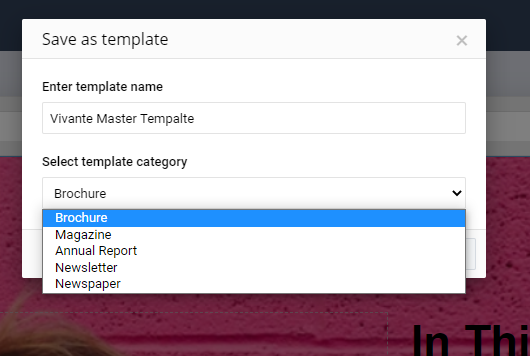
On clicking ‘Save’, your publication will be added as a template.
To access your template, click “New” in the editor menu and select the category into which you have saved your template. You can then click on the relevant thumbnail to create a new project from your template.
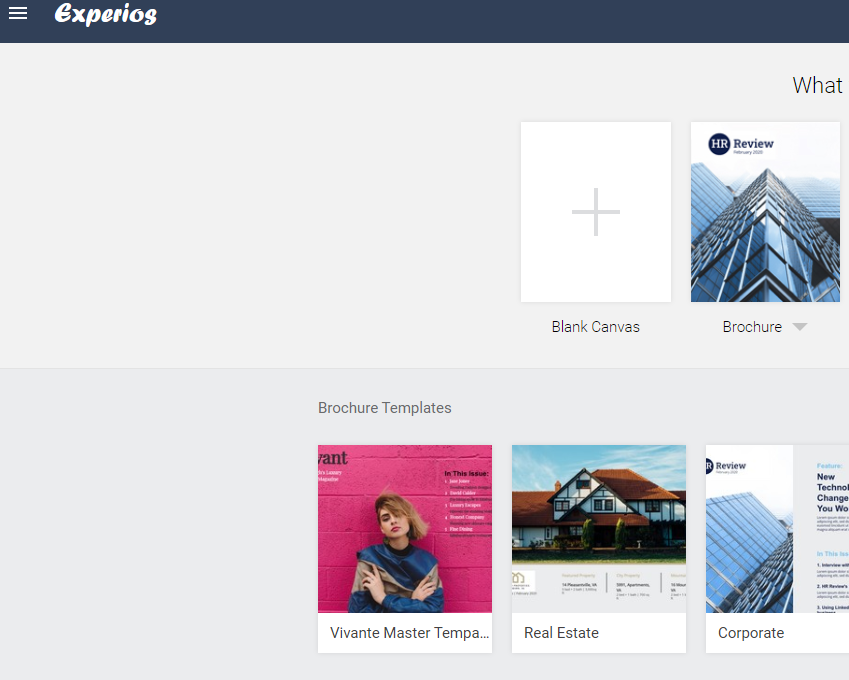
Templates can be deleted by clicking on the three dots icon to the right of the template name and clicking ‘Delete’.