

Replicate (formerly Flipbooks) turns a PDF into an interactive, cloud-hosted flipbook — a digital replica of your printed page with page-turning, zoom, and optional interactivity, viewable on desktop, tablet, and mobile. If your priority is preserving the design of your original document, Replicate is the tool for the job.
You can find an example of a flipbook created using Replicate here.
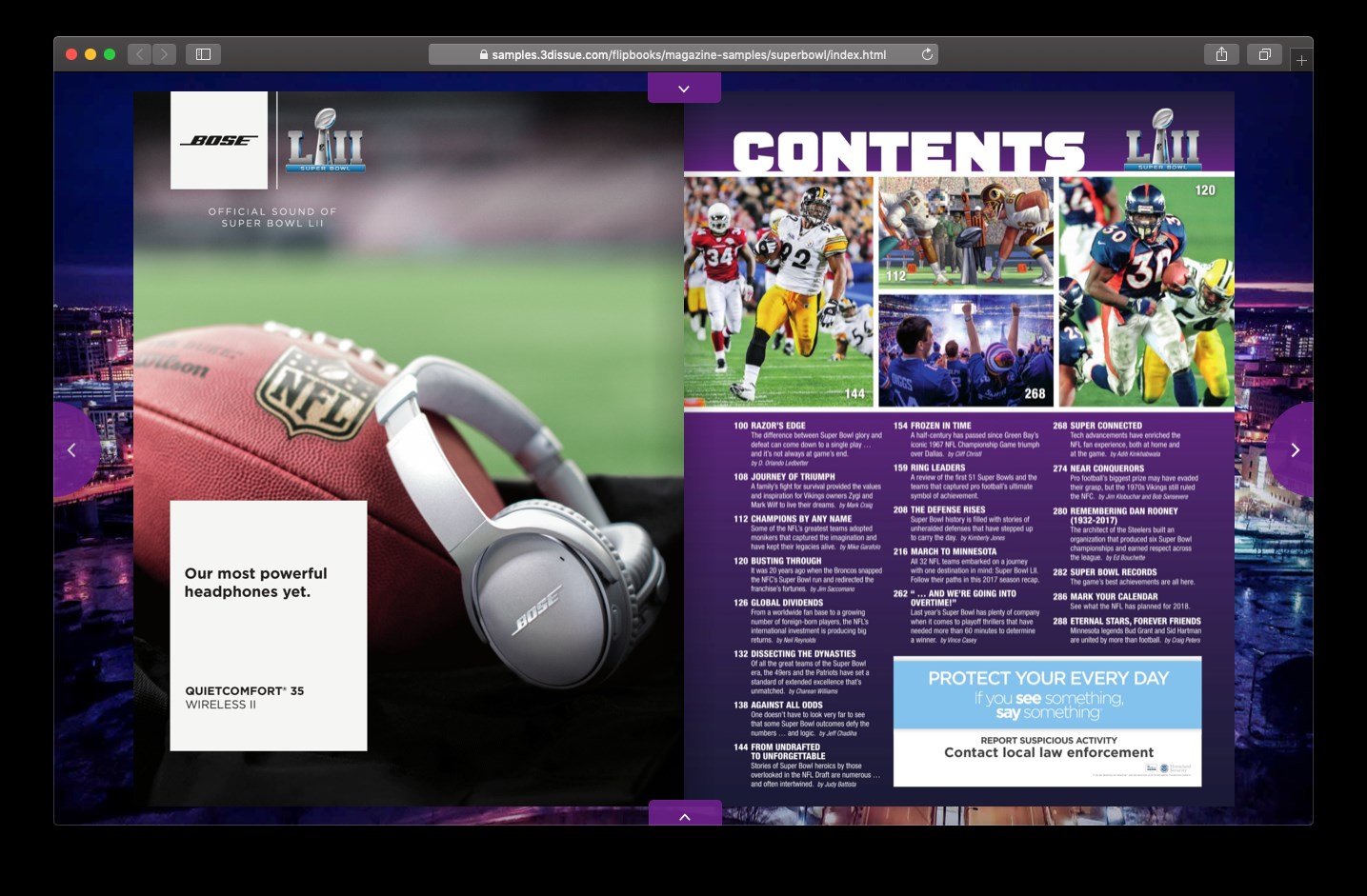
How Replicate Works
You upload a PDF and the platform processes it into a cloud-hosted publication and opens it in an editor for adding interactivity and configuring the reading experience. Publishing puts the flipbook at a stable web link — no hosting to manage. Readers open the link in any modern browser — there’s nothing they need to install.
Where Things Live
- Dashboard — your projects. Replicate tiles carry the actions you need at each stage (Publish, Edit, and View once published; an ellipsis menu holds more). See Managing Projects from the Dashboard.
- The editor — the canvas where you refine your flipbook and (when enabled) its Flow edition.
- Account Level services — Brands, Media library, Team, and Library are shared across the suite, and can be accessed from the User menu (top-right of the interface).
Once Published
- Replicate publications are hosted on the 3D Issue CDN and served over HTTPS. Domain masking is available if you want readers to see your url in their address bar, rather than ours.
- The reader experience (menus, zoom, background, navigation) is configurable per project during the editing process — see The reader experience & viewer settings.
- Embedding on your own site and deep links to specific pages is possible: see Embedding a publication on your own site and Publishing, sharing & embedding your flipbook.