

The Replicate settings panel’s Pages section lists the publication’s page thumbnails. Open the panel from the icon rail on the right edge of the Replicate canvas. Selecting a page here will open it in the editor.
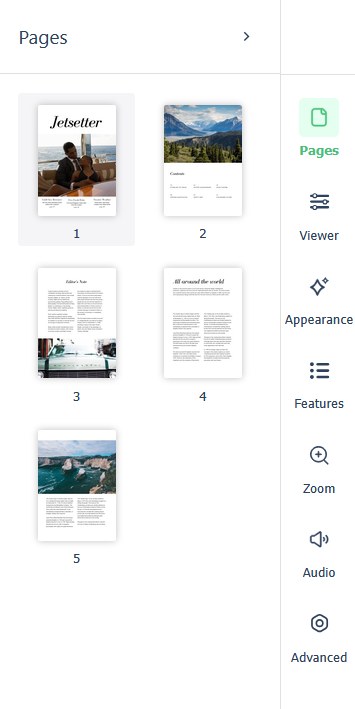
There are no per-page reader settings in this section — per-page interactivity (links, video, galleries, and the rest) belongs on the canvas. The pages shown here are the publication’s pages; a Replicate publication is a replica of the source PDF, so changes to the page set mean re-importing the PDF and republishing.