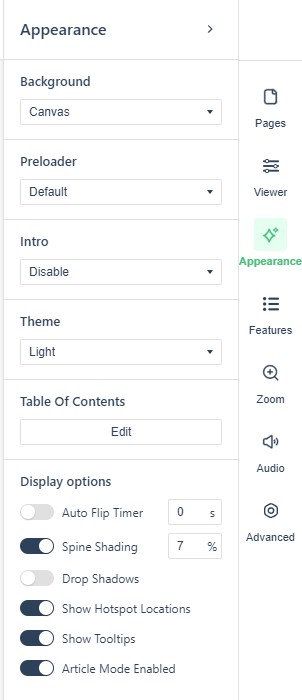
Yes. The editor’s settings panel is the reader’s control room: Appearance covers theme colors and branding, Viewer the reading chrome, Features toggles such as download, print and search, Zoom and Audio their defaults, and Advanced the remainder. Changes show in the reader after publish. More: each section has its own article — start from The reader experience: what readers see & how they navigate for the overview and the per-section links.