This message can be received if you have not allowed the conversion server to startup before attempting to create a Flipbook.
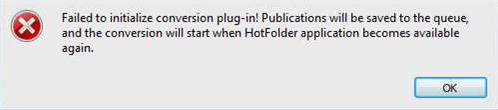
To prevent this message from happening, ensure that the conversion server has started before creating a Flipbook.
- Save your work and close the Flipbooks software.
- Launch 3D Issue Flipbooks again. If prompted to “Allow” the HotFolder app to run, allow it.
On MacOS. If you are not prompted to allow the Hotfolder app it may have been canceled or blocked previously. To allow the app, open your System Preferences app and click Security & Privacy. If the app was blocked it will appear near the bottom in the General tab. Clicking allow should open the app and allow it to run correctly in the future.
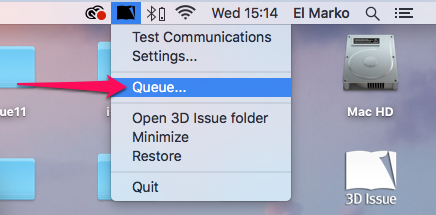
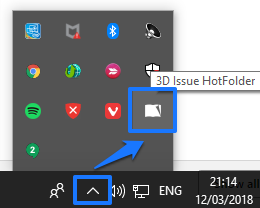
- You can check that the conversion server has started once you see the 3D Issue logo appear in your system tray. See the below screenshots.