


A legacy project is a project created in an older version of 3D Issue — in the Replicate, Flow or Studio editor of an earlier release. It is still in the account and still listed on the dashboard, and it can still be edited; the label says the project predates the current build, not that anything is wrong with it.
Which projects are legacy
Age is what the label records, not product. A project built in an older version of Replicate, Flow or Studio is a legacy project, and one dashboard list can hold all three at once — the chip appears beside projects from any of them.
How a legacy project is marked
The marker is a Legacy project chip in the Recent Projects list, between the project’s name and its actions. Everything else on the row reads like any other project: thumbnail, name, product, and when it was last updated.

Edit is the only action
A legacy project’s row carries one working action: Edit. The other controls are greyed out — a disabled View, or a disabled Publish on the rows that show one, and a disabled ⋯ menu — so the published edition cannot be opened from the dashboard, and whatever that menu carries on a current project is not offered here either. The row is not broken — that is the whole of what a legacy project exposes from the list, whichever product built it.
What Edit opens
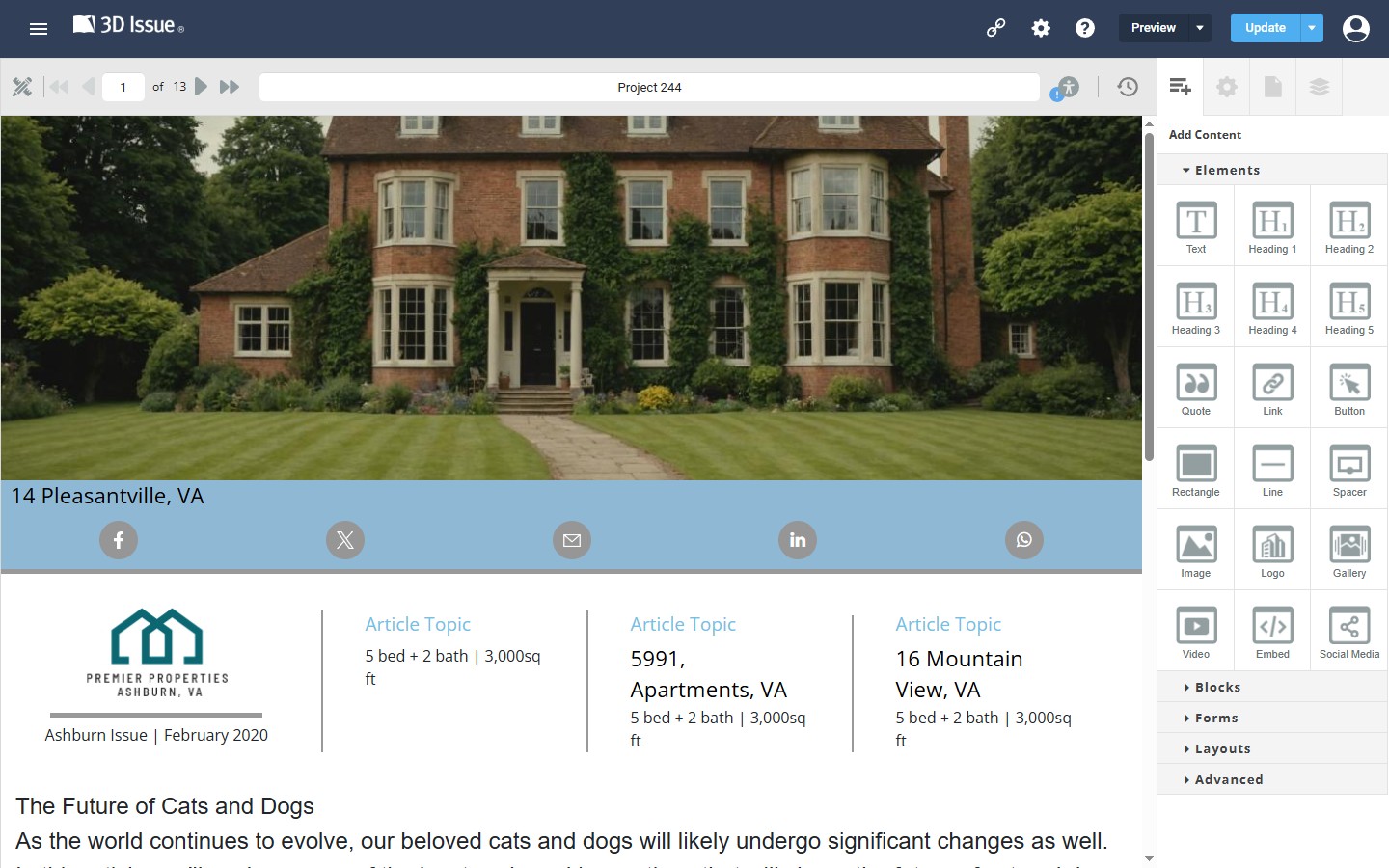
Edit opens the project in a legacy editor — the Replicate, Flow or Studio editor of the build the project was made with — rather than the current editor for that product. Its tools, panels and layout follow the older build, so a legacy Flow project and a legacy Studio project each open somewhere that does not look like the editor a new project gives you.
Publishing a legacy project
The dashboard offers no publish route for these projects. A legacy Studio project’s row carries a disabled View, no Publish button, and no working ⋯ menu. The Replicate and Flow rows are laid out the same way.
Publishing is done from inside the editor rather than from the list: open the project with Edit and publish or update it from the legacy editor that built it. A published legacy project can therefore still be changed, and the missing Publish button on the row is not a dead end.
Whether a legacy project can be moved onto the current editor for its product is not documented, so keep working in the editor it opens in and ask support if a project needs the current one. What the chip does mean is fixed: the project is older than the current build, not unpublished, and not missing its link.
More: Managing Projects from the Dashboard covers the rows, filters and quick actions a current project carries, and 3D Issue Dashboard Overview places Recent Projects on the dashboard.