

You’ll end up with the publication’s own name in the browser tab instead of the default — the PUBLICATION 1 in a tab, for example, is the default this changes.

You’ll need
- The project open, and the ability to rebuild and re-upload it.
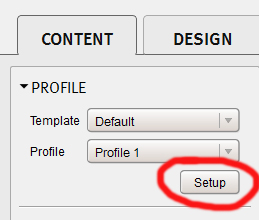
- Open one of your projects, then click Setup under Profile in the Content tab; the setup wizard opens.
- Choose Profile and change the name in the Publication Title field.
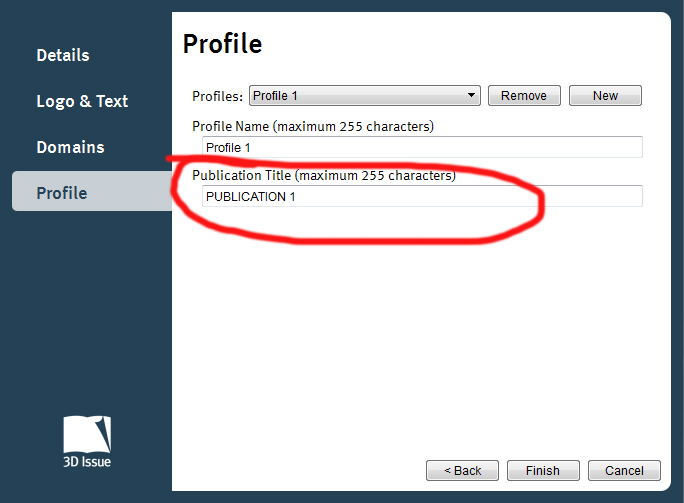
- Finish the setup wizard.
- Click Build to re-upload the publication.



If it doesn’t work
- The tab still shows the old name. The title reaches the published copy through the build, so re-upload it and check the tab again.