

You’ll end up with the publication’s own link, ready to send.
You’ll need
- The flipbook built, or its project folder if you are looking the link up later.
- Build the flipbook; the popup that follows carries the link to view it online.
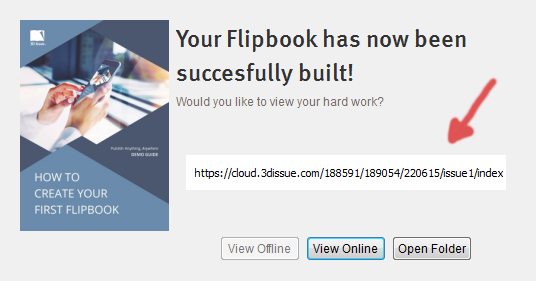
- Click View Online to open it in your default browser and check it before sending.
- For a flipbook built earlier, open the project and choose View > Current Online Version.
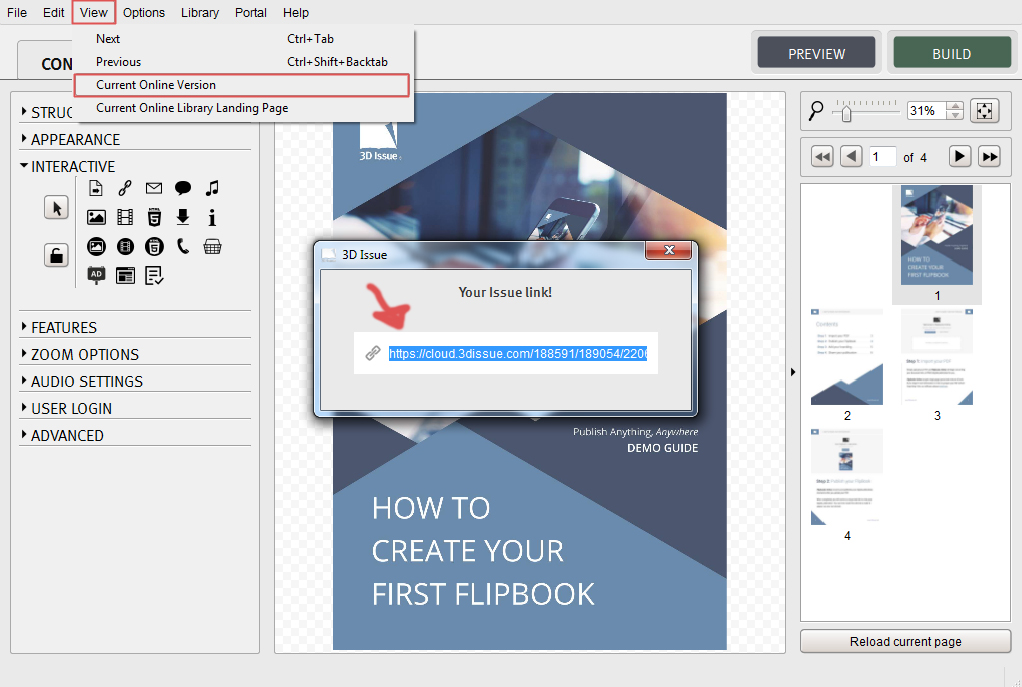

That link is the one you send to your customers or readers.
If it doesn’t work
- The build popup is long gone. The link also lives in the software under View > Current Online Version, the last step above.