

You’ll end up with an existing project open, ready to edit or build.
You’ll need
- The project folder on this machine, or the
.3difile inside it.
- Launch the 3D Issue software.
- Click the small arrow on the Open Existing button; a drop-down of recent flipbooks appears.
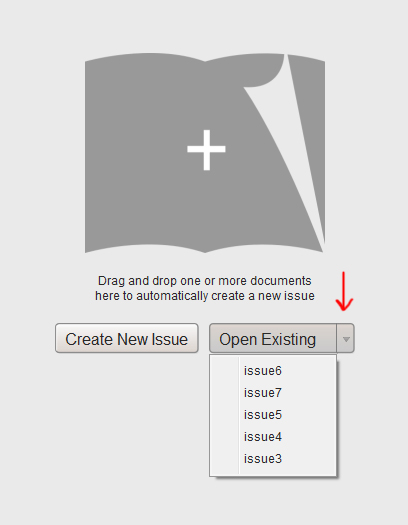
- If your flipbook is listed, click it.
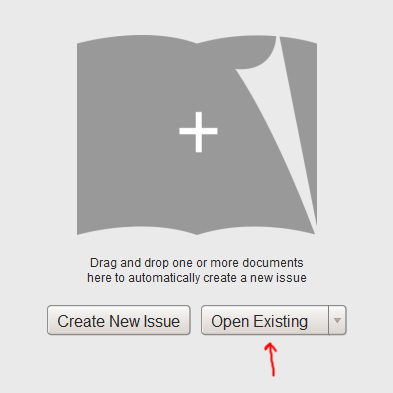
- If it is not listed, click Open Existing itself, locate the project folder, choose the
.3difile inside it and click Open.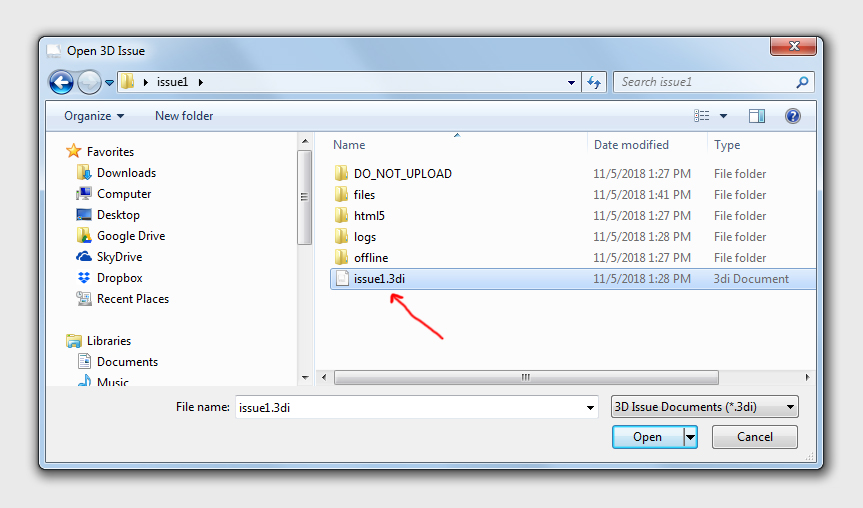


If it doesn’t work
- The drop-down does not list it. A flipbook saved elsewhere, or on another machine, never appears there; the last step opens it by folder instead.