

You’ll end up with your own image on the flipbook’s buttons, in the published copy.
You’ll need
- The flipbook open, and the replacement image on this machine.
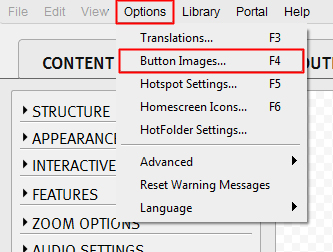
- Open Options > Button Images.
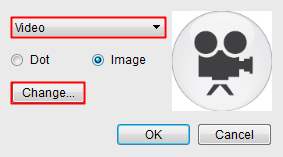
- Choose the button you want to change from the drop-down, then click Change.
- Locate the new image on your machine and click Open.
- Click Build again so the published flipbook is overwritten with the new button image.



If it doesn’t work
- The published copy still shows the old buttons. The build is what overwrites them online, so let it finish and check the publication again.