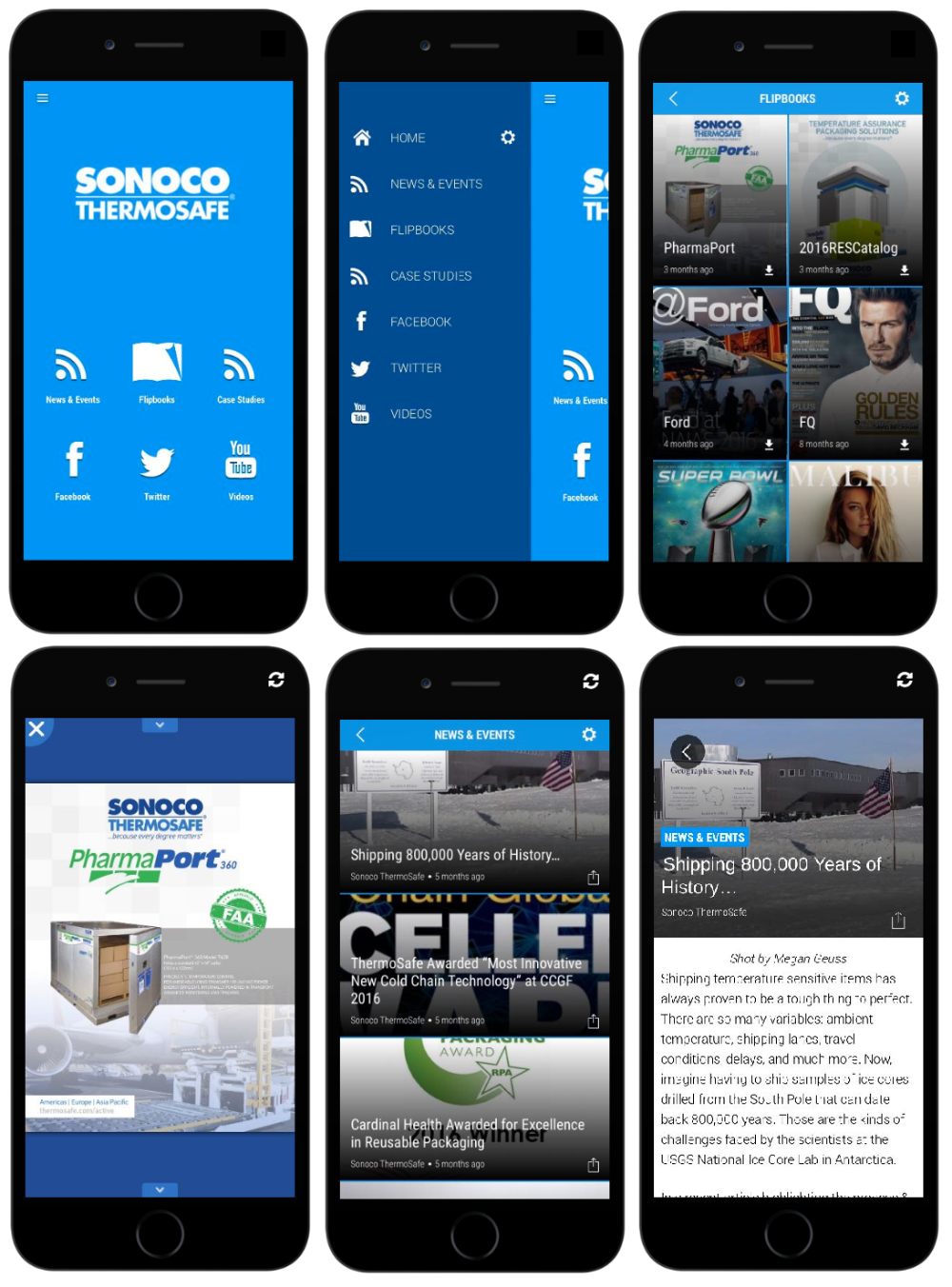
Two app solutions are available: Flipbook Viewer (see What is Flipbook Viewer?) (comes with Professional and Enterprise software) or Branded Apps (additional fee).
Content from Facebook inside the app platform is How do I add the Facebook App?, and a publication behind a reader login uses the setting in Custom User Login – Desktop.
Flipbook Viewer
Professional and Enterprise software allows you to view your digital publications through mobile or tablet browsers and through the unbranded Flipbook Viewer app.
Flipbook viewer only shows your publications and allows your readers to download publications for offline viewing.
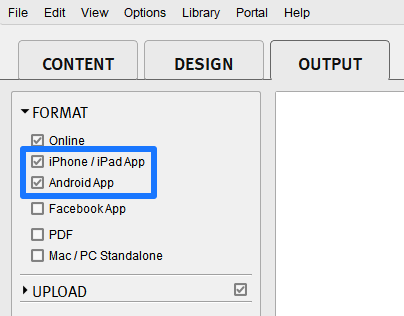
You can choose to enable a small View in App banner in the digital publication by simply enabling iPhone / iPad App and Android App as seen in the image below.
The banner will show on supported Mobile & Tablet devices automatically after that.
Click the link from the samples below on a mobile or tablet device to see how the Flipbook Viewer prompt works.
https://samples.3dissue.com/flipbooks/magazine-samples/Ford/
Branded App
Using the apps platform, you can bring together your digital publications from Flipbooks with content you have on Facebook, Twitter, YouTube, websites, blogs, and more. You can even create a Flipbooks-only app. Once built and online your readers can then access all of your content from your very own app.
Regardless of your background, 3D Issue apps is simple to use.
An app created by a customer (their publications are password protected with the user login feature).
- KelbyOne Mags: the customer’s app is no longer listed on the Apple App Store or Google Play.
A publications-only app from an existing customer, built from the same platform.
- FQ Magazine: the publications-only app is no longer listed on either store.
See apps pricing structure below.
3D Issue Branded App (iOS and Android) is priced separately from the standard plans; the pricing page has the current rate.
Apple & Google accounts
Distributing apps will require you to create a developer account for both Apple and Google. These unfortunately incur an additional cost, listed below.
- Apple: the Apple Developer Program charges an annual fee, set by Apple and paid to Apple directly.
- Google: a Google Play developer account carries a one-time fee, set by Google and paid to Google directly.
- Both fees are the stores’ own and change without notice, so check each program’s pricing page for the current amount.
The app platform gives you complete control over the look and feel of your app.
- You can create sections with different sources.
- Change how your content is displayed, as seen in the image below.