

Margins and padding control the breathing room around every element — and in a scroll-based layout, spacing is what makes a page feel calm instead of crowded.
The Indent Panel
Every element’s label carries an Indent icon (if you don’t see it, click the three dots at the far left of the label to expand it). Click it to open the Indent Panel: margin and padding controls for that element, with values in %, px, vw, or em — and a reset to defaults if an experiment goes too far.
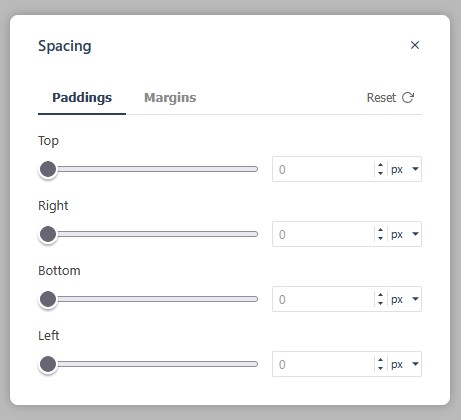
The same properties are available in the Properties Control Column under Spacing, if you prefer working there.
How Much Spacing Is Right
Too little, and the page feels crowded; too much, and scrolling becomes a chore. Aim for consistent, generous-but-not-vast gaps between sections — and let the mobile preview (narrow the browser window) be the judge.