

When viewing a Flow publication, readers are provided with two fully integrated viewing experiences in the same digital output, so they can choose how they consume the content.
Flipbook View
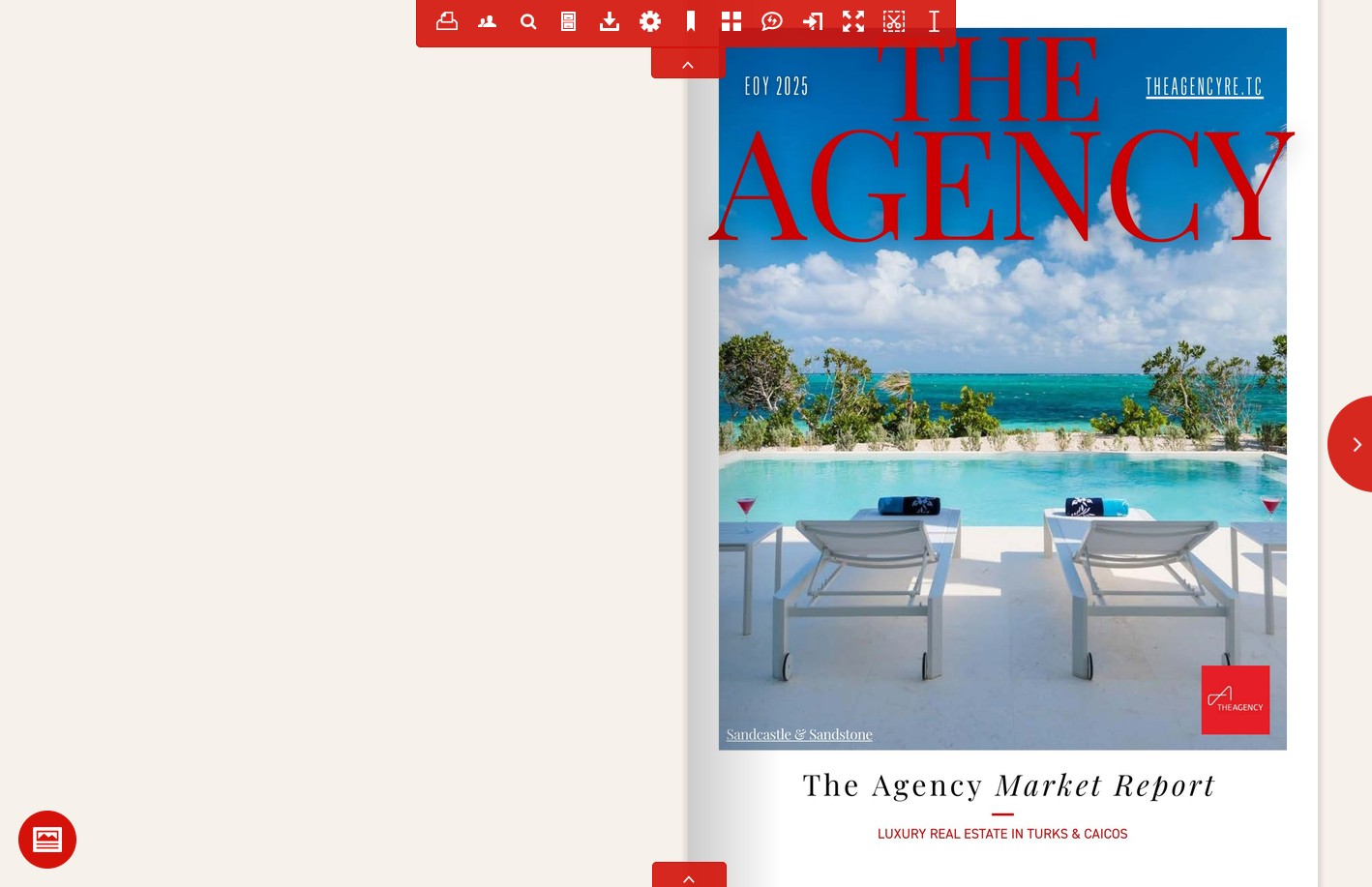
The Flipbook View delivers a traditional page-turning experience that replicates the original PDF layout. It is designed to match the look, structure, and navigation of print publications in a digital environment, which makes it a good fit for desktop and laptop readers who prefer a familiar paging format.
Flow View
Flow View is a modern, responsive reading experience that transforms the publication into a scroll-based, mobile-first format. Instead of fixed pages, the content is reflowed into a clean, continuous layout that adapts to different screen sizes.

Flow is optimized for:
- mobile phones
- tablets
- smaller screens and responsive web environments
It prioritizes readability, accessibility, and usability, so the content stays clear and engaging regardless of device.
Switching between views
Both the Flipbook and Flow experiences are delivered within a single publication, giving readers full control over how they consume the content. Readers can switch between viewing modes at any time using the button at the bottom-left of the publication, moving between the structured page-based format and the responsive scroll-based experience.
Mobile experience
On mobile devices, publications automatically default to the Flow mobile edition for the most intuitive and accessible reading experience. This means the content is immediately optimized for smaller screens without requiring any user interaction. Readers can still switch to Flipbook View if they prefer the traditional page-turning experience.